DARK INPUT / MATCHED SOURCE EXPERIMENT
Coloring Page Maker: Why Do Dark Photos Lose Lines?
A dark input can lose lines when its neighboring pixels have too little contrast for the selected tracing preset. In this coloring page maker, compare Clean Outline with Detailed and inspect the original before printing. Our matched experiment below shows which marks change when one drawing is darkened; it does not promise that brightening will rescue every underexposed photo.
Try the coloring page maker See the measured experiment
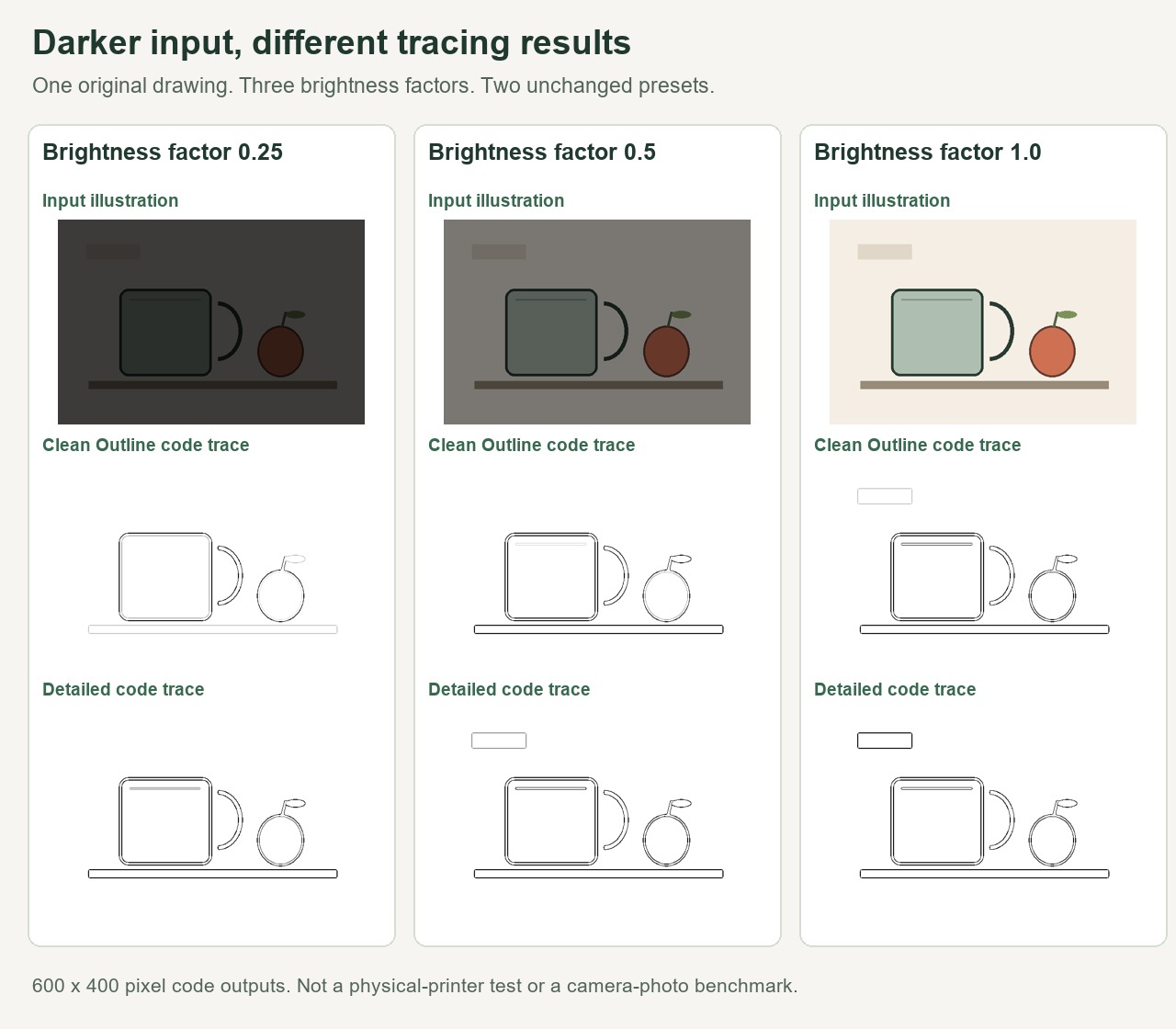
Our controlled brightness test
We drew a cup, an apple, a table edge and a low-contrast rectangle on a 600 × 400 pixel canvas. The dark cup outline and lighter background rectangle deliberately offer different boundary strengths. This original fixture is an illustration. It is not a photograph, and its darkened versions are not measured camera exposures.
We used Pillow ImageEnhance.Brightness with factors 0.25, 0.5 and 1.0. The last version is the unchanged drawing. The other two scale its RGB values toward black. All three retain the same dimensions and composition. For example, a channel value of 200 scales to approximately 50 at factor 0.25, subject to integer rounding. This changes local differences along with overall brightness. It does not reproduce camera sensor noise, motion, clipped shadows or every photo editor's brightness control.
We retrieved the public app.js and verified that its bytes matched our local production source. We then executed its unchanged STYLE_PRESETS, blurGray and makeLineArt functions in Node. A typed-array ImageData container supplied the pixel storage. Each input ran once with Clean Outline and once with Detailed, giving six traces. This checks the already-decoded pixel tracing step. Browser image decoding, export layout and physical printing were outside this experiment.
Brightness factor 0.25
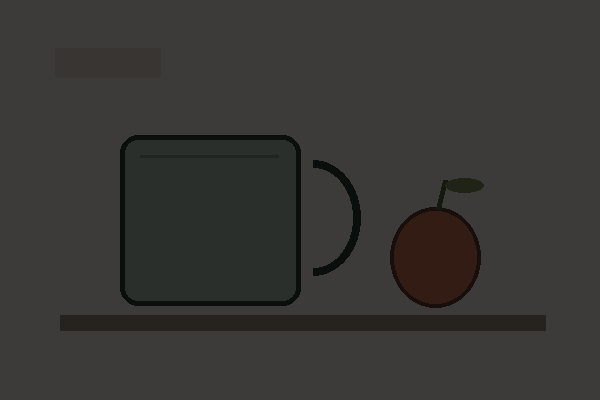
Controlled input, 600 × 400 pixels.
Clean Outline
Detailed
Brightness factor 0.5
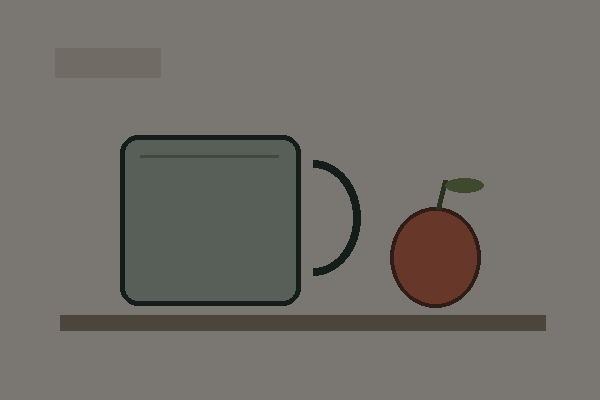
Controlled input, 600 × 400 pixels.
Clean Outline
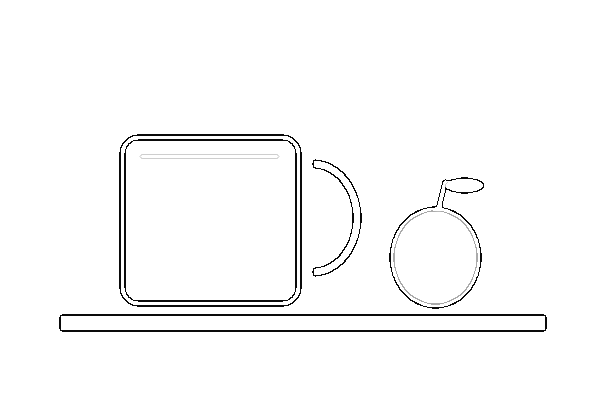
Detailed
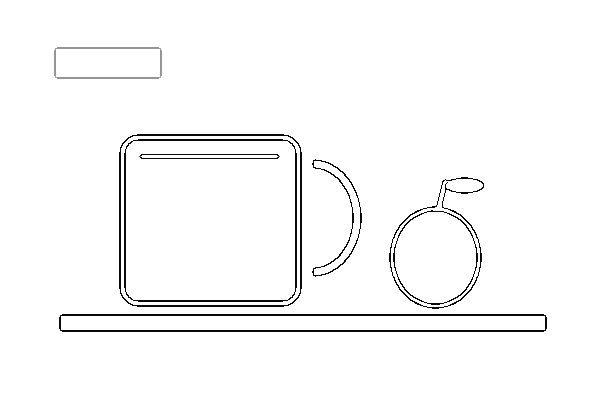
Brightness factor 1.0
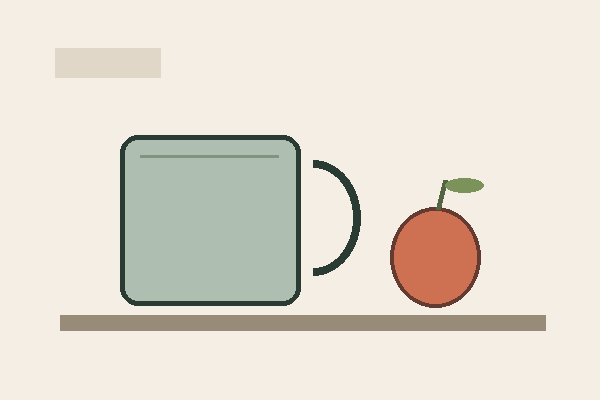
Controlled input, 600 × 400 pixels.
Clean Outline
Detailed
What changes in the actual outputs?
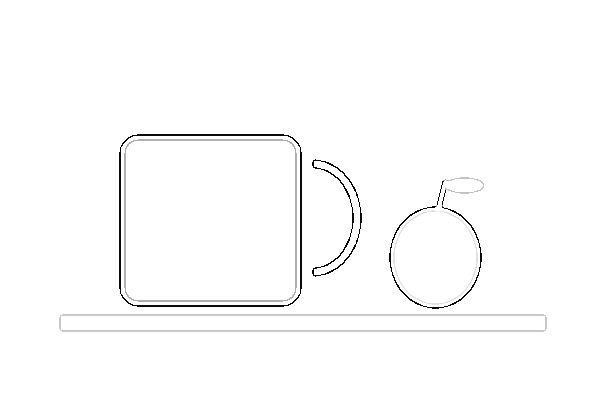
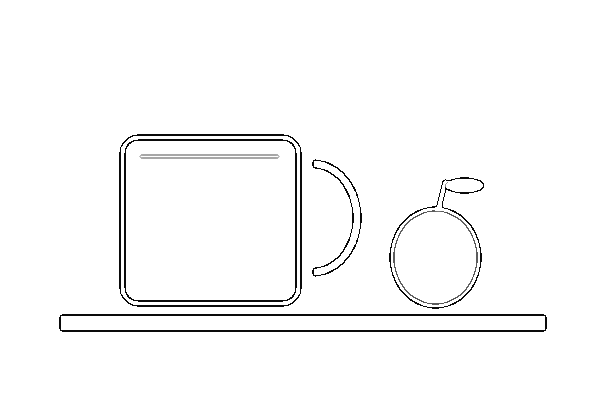
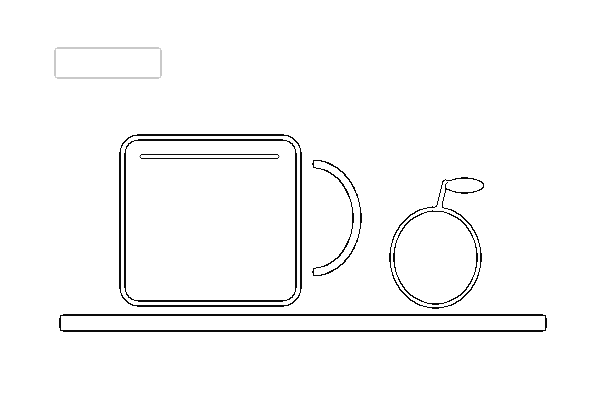
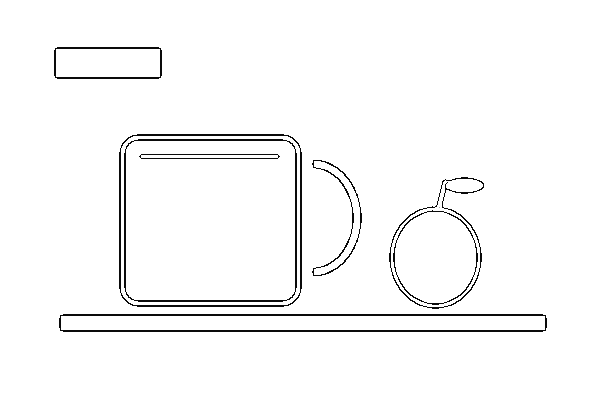
At factor 0.25, Clean Outline retains the cup's main outline and the apple's outline, while the table edge is faint and the small background rectangle disappears. Detailed makes the table edge darker and preserves an extra line near the cup's top, but the small rectangle still disappears. The darkest input therefore does not become a completely blank page: strong boundaries survive while weaker marks change.
At factor 0.5, the table edge is visibly stronger in Clean Outline. The faint background rectangle appears in Detailed but is absent from Clean Outline. At factor 1.0, the rectangle is visible in both outputs. That rectangle is part of the deliberately constructed fixture; preserving it is not automatically useful for a child's coloring page. It lets us see the difference between sensitivity and simplicity.
We counted all output pixels below two fixed grayscale thresholds. Below 128 means a dark mark in this record. Below 250 also includes faint marks. Both counts include the entire white background and use the same denominator: 600 × 400 = 240,000 pixels. They are counts, not scores for accuracy, child suitability or contour completeness.
| Brightness factor | Preset | Pixels below 128 | Pixels below 250 |
|---|---|---|---|
| 0.25 | Clean Outline | 2,149 | 5,856 |
| 0.25 | Detailed | 5,856 | 6,417 |
| 0.5 | Clean Outline | 5,437 | 6,085 |
| 0.5 | Detailed | 6,085 | 6,610 |
| 1.0 | Clean Outline | 6,064 | 6,592 |
| 1.0 | Detailed | 6,592 | 6,593 |
For the darkest input, Clean Outline has 2,149 dark pixels while Detailed has 5,856. The unchanged input has 6,064 and 6,592 respectively. Those differences support the visible change in this fixture. They do not mean Detailed is universally better. More marks can represent an important feature or an unwanted background object.
Download the measurement record for input hashes, output hashes, dimensions, preset names and the source-code hash. The PNGs above are lossless at the tracing dimensions. We did not enlarge them before counting. This experiment can be checked against the public tool code and the supplied input files.
Why the two styles respond differently
The current Clean Outline preset uses edge-response thresholds 32 and 96; Detailed uses 12 and 48. These are internal tracing values, not camera exposure settings or user-facing brightness sliders. Detailed can retain weaker responses, with different settings for fading and tone mapping as well. The exact constants are visible in app.js. A darker source can push a weak boundary below a preset's response threshold even when a person still recognizes the subject.
A practical check before you download
Look at the particular contours that matter: the subject's outer edge, an eye or the separation between two objects. Compare those locations in the original and both previews. Try Detailed when Clean Outline drops a useful boundary, then check whether it also adds too much clutter. If the source itself hides the feature, use a better-lit original when available. A brightness adjustment cannot recover information that was never captured.
For a source with indistinct edges, read the matched source-blur experiment. For a crowded scene, use the same-photo crop comparison. For selecting the printable file, see PNG versus PDF. Each guide addresses a different decision.
Watch the brightness experiment
Scope and sources
This page covers one original drawing, three brightness multipliers and two current tracing presets. It cannot predict every camera photo or another generator. We reviewed Mimi Panda, iColoring and Canva, in that order, on October 10, 2026. Within those specified pages we did not find this matched brightness-and-preset experiment with downloadable inputs and measured outputs. This is a scoped observation, not a claim about their complete websites.
Pillow documents brightness factors in its ImageEnhance reference. The observations and counts here come from our linked files and current tracing code. See how the coloring page maker traces edges for the implementation's broader limits.