PHOTO QUALITY & INPUT · NOVEMBER 6, 2026
Coloring Page Maker: Can It Work Offline After It Loads?
In one Chrome test, this Maker generated and downloaded a coloring page after the page had loaded online and the browser was switched offline. That does not mean the site can be opened or reloaded without a connection. Load it first, keep the tab open, and test your workflow before relying on it offline.
Open the Maker · Maker Help & Guides
Our offline test
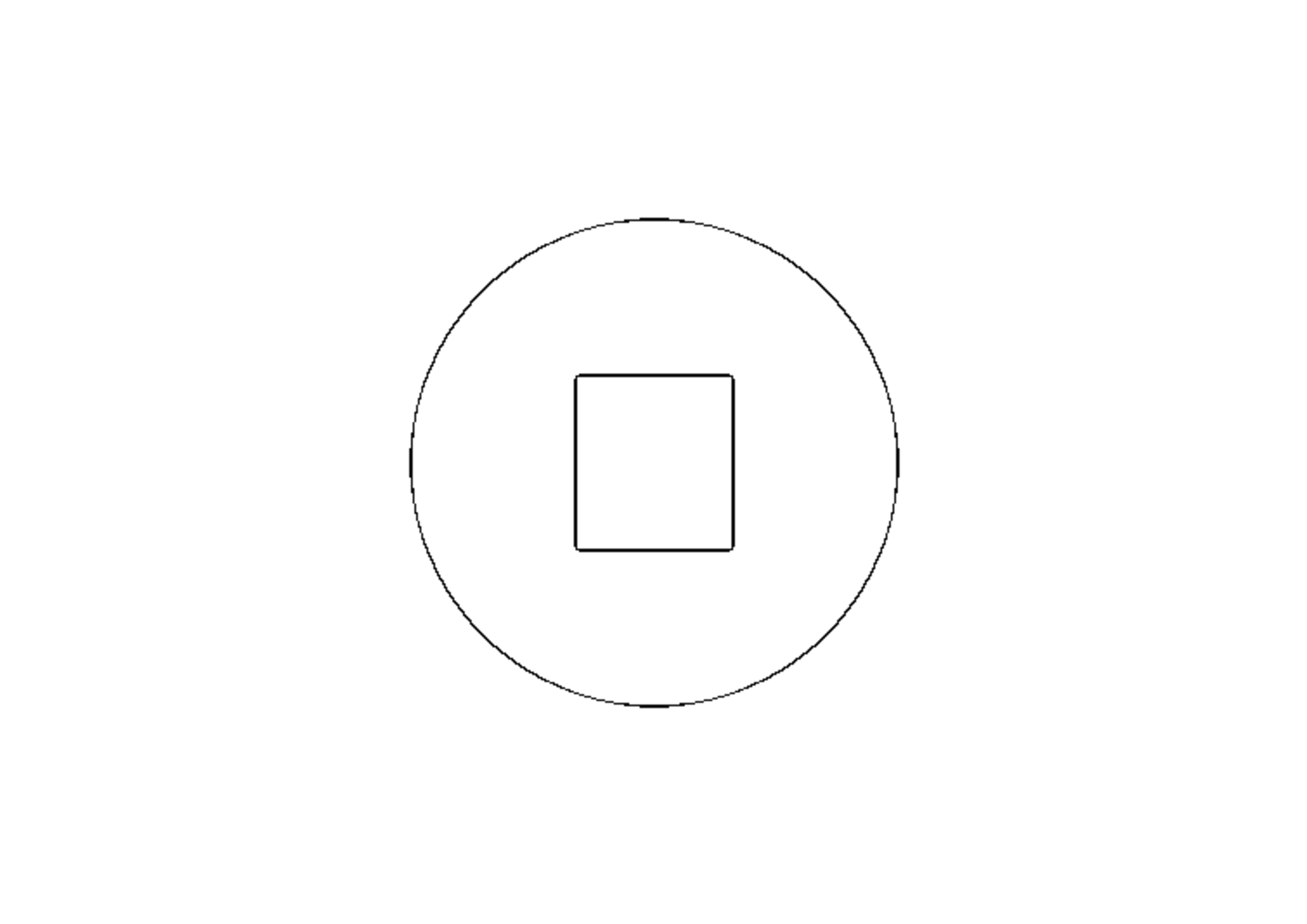
We loaded the public homepage in Chrome while connected and waited for the page load event. Then we used the browser automation network setting to simulate an offline connection. While offline, we selected a locally created 640 × 480 synthetic PNG, chose Clean Outline and A4, generated the result, and downloaded the actual PNG. The downloaded file measured 3508 × 2480 pixels. The source was a simple synthetic illustration, not a photograph.
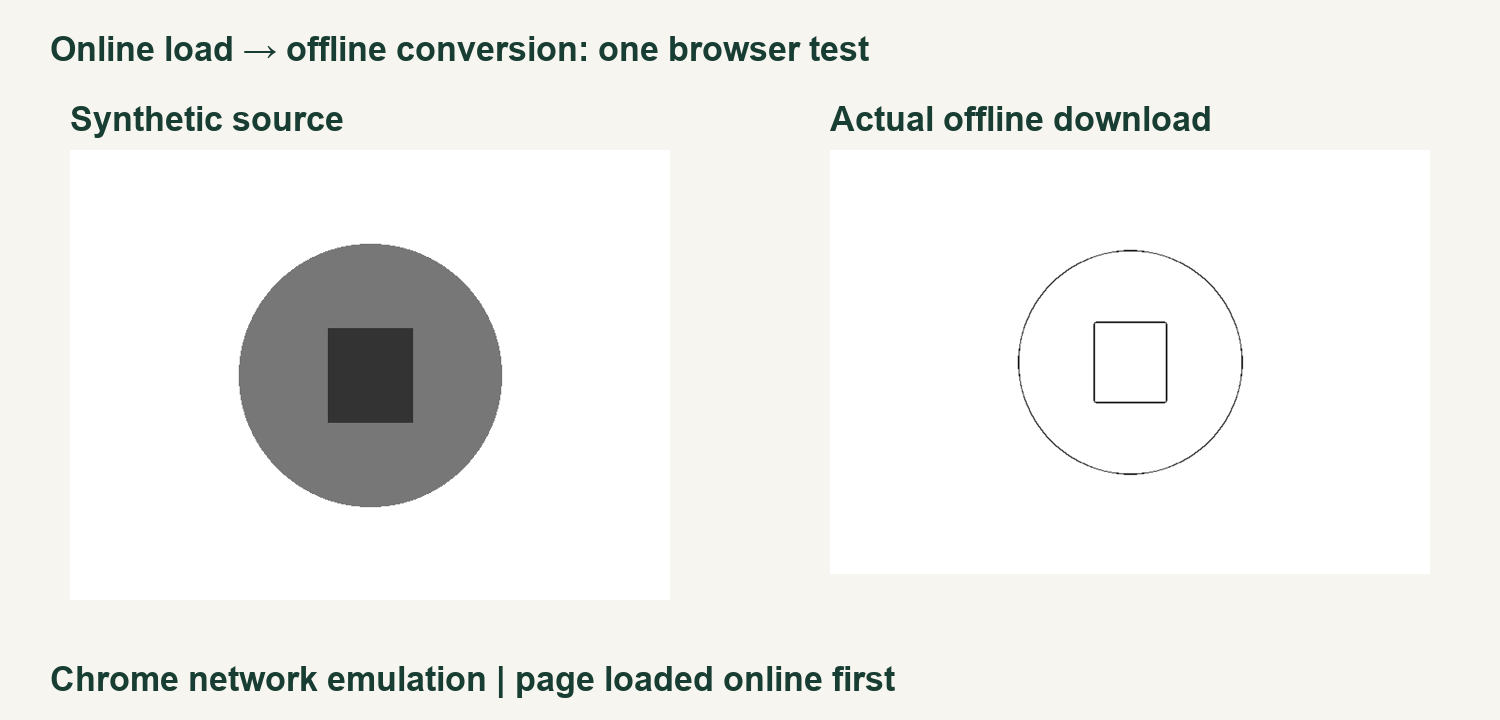
This test establishes only what happened in that browser session with that image and setting. It did not test opening the site for the first time without internet, reloading offline, clearing the browser cache, another browser, or a physical print. Browser extensions, memory limits and future changes could affect another session.
How to prepare for a connection interruption
Open the Maker and wait for it to load while you have a connection. Keep the tab open and have your source image stored on your device. Try the conversion and download before an important activity; check that the saved file opens. If the page is closed or refreshed, reconnect to load it again rather than assuming it is available offline.
If you have unfinished work, save the downloaded result before closing the tab. For related workflows see saving before refresh, using the Maker without uploading, and photo privacy. Visit the Maker, watch the video guide, or browse Maker Help & Guides.
Test files: synthetic input, offline download, measurements, and method.