PHOTO QUALITY & INPUT · OCTOBER 30, 2026
Coloring Page Maker: Does a Bigger PNG File Give Better Lines?
No. A larger PNG file does not automatically give this coloring page maker more detail to trace. In our controlled test, two PNGs with identical pixels but very different file sizes produced identical downloaded pages. Compare the picture's actual detail and pixel dimensions, rather than choosing by megabytes alone.
Open the Maker · Maker Help & Guides
Our same-pixel experiment
We drew one original 640 × 480 illustration: a house, two windows, a door, a sun and a flat green foreground. This is a synthetic digital illustration, not a photograph or a scan. The shapes and colors were deliberately simple so we could isolate file compression without introducing a second image, different lighting or new edges.
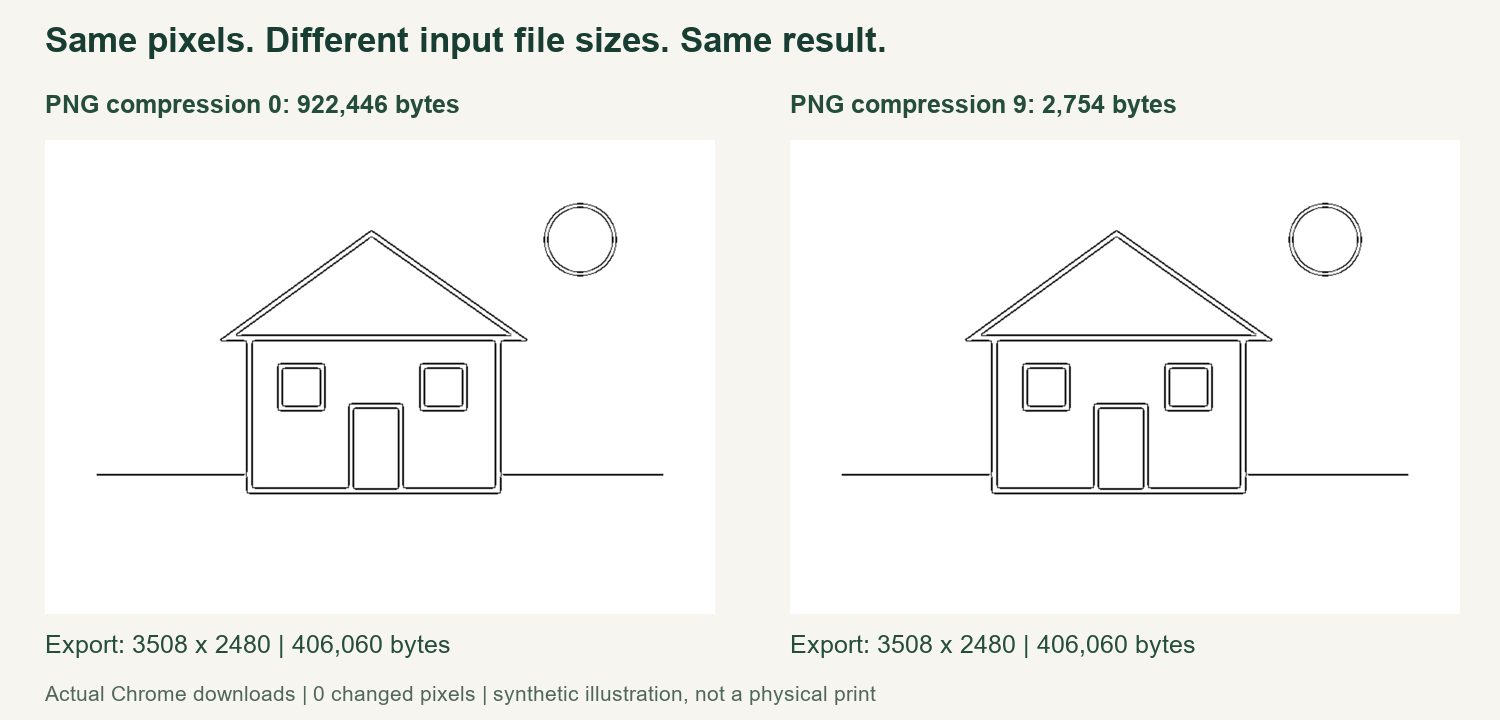
We saved that one RGB image twice with Pillow: once at PNG compression level 0 and once at level 9. The first input was 922,446 bytes; the second was 2,754 bytes. Both decoded to 640 × 480 pixels. We compared their decoded RGBA arrays and found the same SHA-256 fingerprint. The compressed file bytes were different, but the image samples supplied to the test were identical.
This distinction matters. Comparing two different photos would not isolate compression, even if both were PNG files. A smaller picture might have a cleaner background, while a larger one might contain more texture. Here we changed only the PNG compression setting and retained the same underlying image, dimensions and color mode. Neither test input contained an embedded color profile or an alpha channel.
What the Maker actually exported
We loaded each input separately in Chrome, selected Clean Outline and A4, generated the page and used the real Download PNG button. The test used a local copy of the current production homepage and its assets. We recorded the Chrome version and the app.js fingerprint with the method files, so the result belongs to a particular implementation rather than an unspecified online converter.
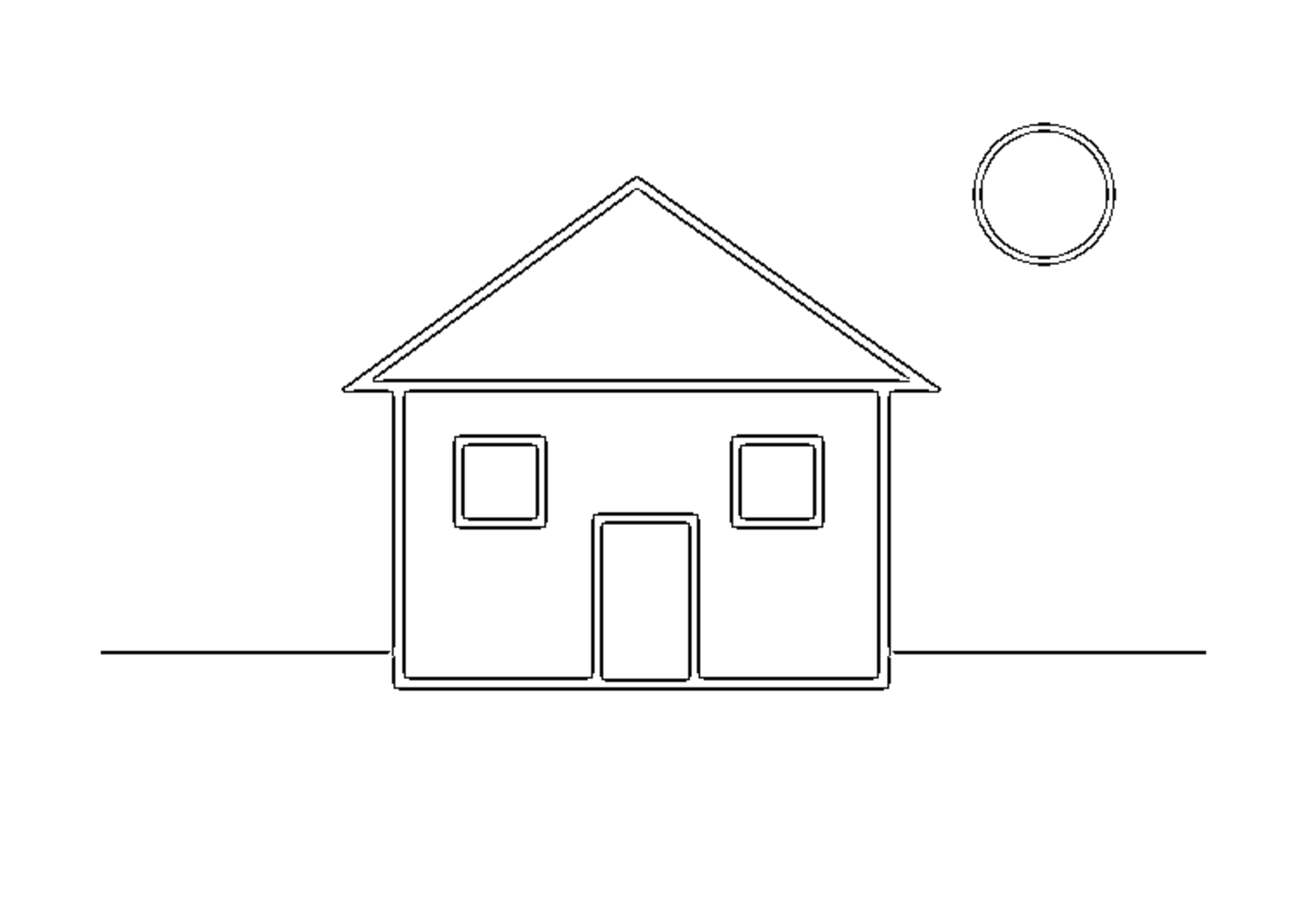
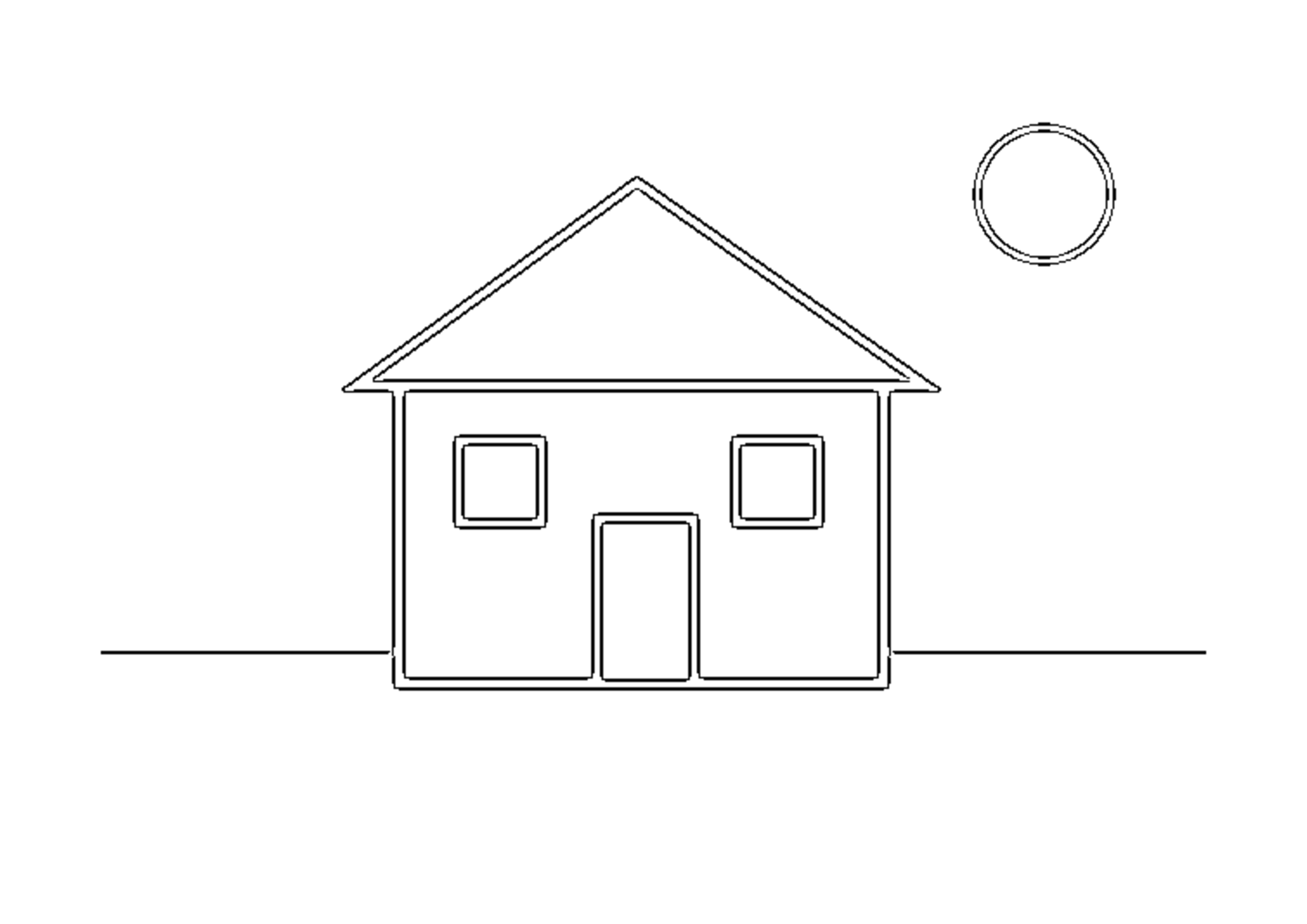
Both downloads measured 3508 × 2480 pixels and contained 406,060 bytes. Their complete file SHA-256 values matched, and a decoded-pixel comparison found zero changed pixels. For this illustration and these settings, the larger input gave no different outline at all. The figure shows the actual two downloaded pages, resized only for display; the original input and output files are linked below.
There were two conversions, one for each encoding. This is a controlled comparison, not a broad benchmark of every PNG encoder, browser, photo or style. We did not measure conversion speed, memory use or a physical print. Equal downloaded files do not establish that all input formats, color profiles or future versions behave identically.
Why file size and visible detail are different
PNG uses lossless compression, as described in the W3C PNG specification. Changing the compression used to store the same samples can change the file size without creating a new edge or sharpening an existing one. That is the limited change our two inputs demonstrate. Converting a previously blurred or heavily compressed picture to PNG does not supply missing original detail.
Our inspection of this Maker's current code is consistent with the measured result. It draws the decoded image onto a white working canvas, obtains its pixel data and creates the selected line treatment from those samples. The relevant path uses the decoded picture; it does not use the input file's byte count as a line-detail control. That is an observation about this site's current code, not a claim about other services.
How to choose between two copies
First, compare pixel dimensions and inspect the image itself at a useful zoom. If two files truly preserve the same decoded picture, choosing the larger one just because it occupies more storage is unnecessary for this tested workflow. If the smaller copy has been resized, blurred, flattened differently or changed to another format, it is a different comparison. Look for missing details before assuming it is equivalent.
Keep a good original while trying changes, then generate and inspect the finished page. If you are reducing file size, use an export option that preserves the dimensions and image samples when that is your intention. A tool labelled image compressor may also resize or alter colors, so its name alone does not establish that it made the same change as this experiment.
If the outlines are still unclear
Check the source for blur, low contrast and distracting detail. A larger PNG encoding will not correct those properties by itself. Our blurry-photo guide explains why an output page's DPI label does not restore source detail, while the JPEG artifacts guide addresses a different issue: extra visible structure introduced into an image. Those questions require inspecting the picture, rather than its storage size alone.
For preparing a file, see image requirements. For selecting your final download, see PNG or PDF for printing. Watch the English comparison video, or return to Maker Help & Guides. The practical check is simple: keep the detail you need, generate a page, and judge the actual outlines.
Test files: larger input, smaller input, first export, second export, measurements, and method and app fingerprint. Official tool pages reviewed October 30, in order: Mimi Panda, iColoring, and Canva. No conversion experiment was performed on those services. Publication and indexing dates are unknown.