PHOTO DIRECTION CHECK · OCTOBER 8, 2026
Coloring Page Maker: Why Is My Photo Sideways?
This coloring page maker follows the direction encoded in your JPG, then chooses portrait or landscape from the decoded image dimensions. If the subject is facing the wrong way, rotate and save a copy in a photo editor before selecting it again. Switching A4 to US Letter changes the sheet size; it does not turn the subject upright.
Check your photo in the coloring page maker →
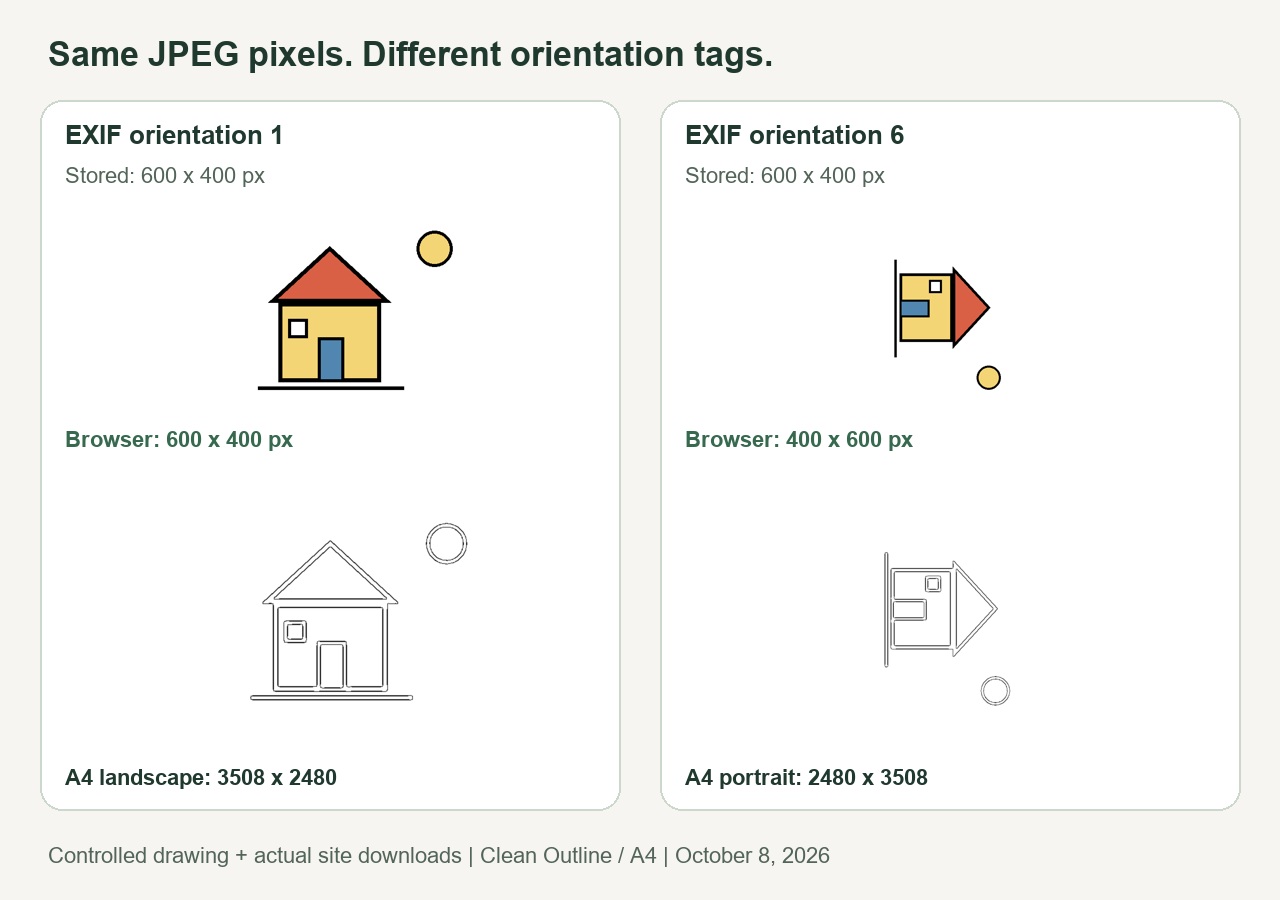
What changed when we changed only the direction tag?
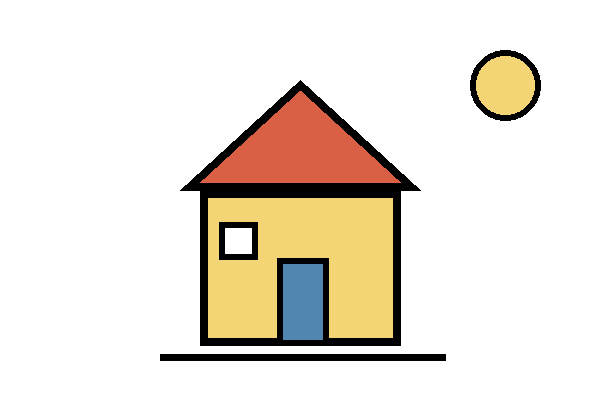
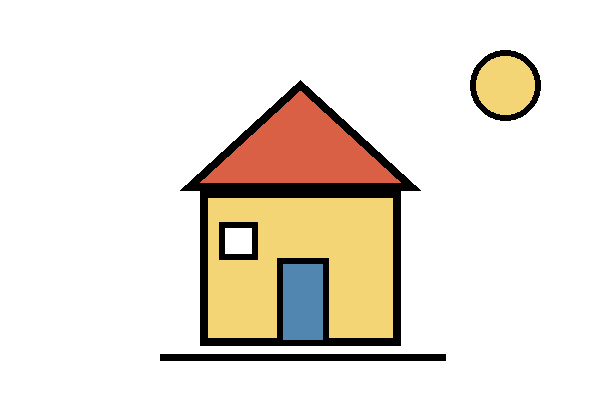
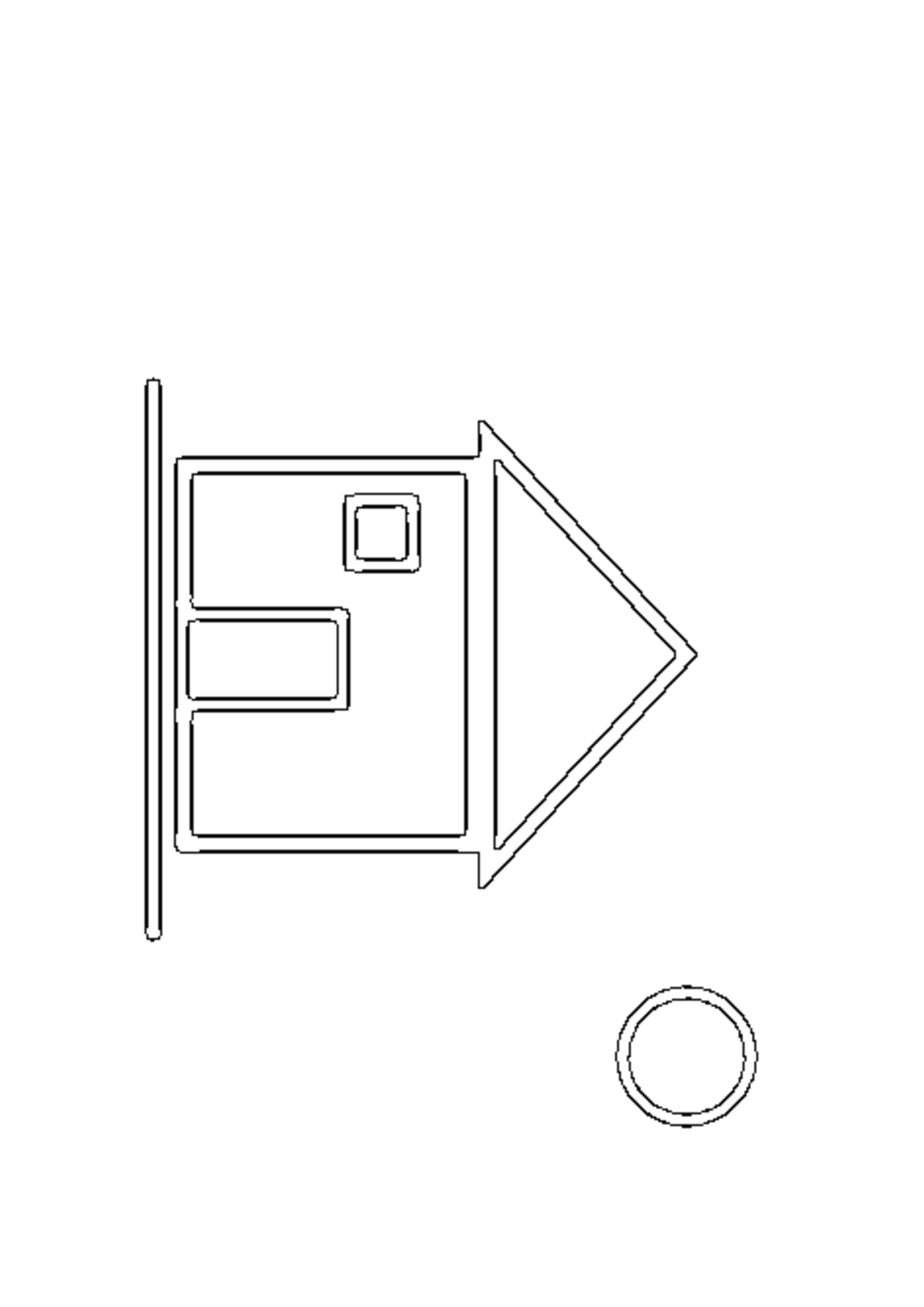
We drew a colored house, window, door and sun on a white canvas. We saved the drawing twice as a 600 × 400 JPG, using the same compression settings. One copy received EXIF Orientation 1; the other received Orientation 6. A Pillow comparison confirmed that the stored, decoded RGB pixels were identical before applying the orientation tag. The two files differ in their metadata.
On October 8, 2026, we selected each file separately in this site's live tool in Chrome. We kept Clean Outline and A4 for both runs. With tag 1, the selected-file label showed 600 × 400 pixels and the paper label showed landscape. With tag 6, those labels changed to 400 × 600 pixels and portrait. The house also turned sideways, because that is what the deliberately changed tag instructed.
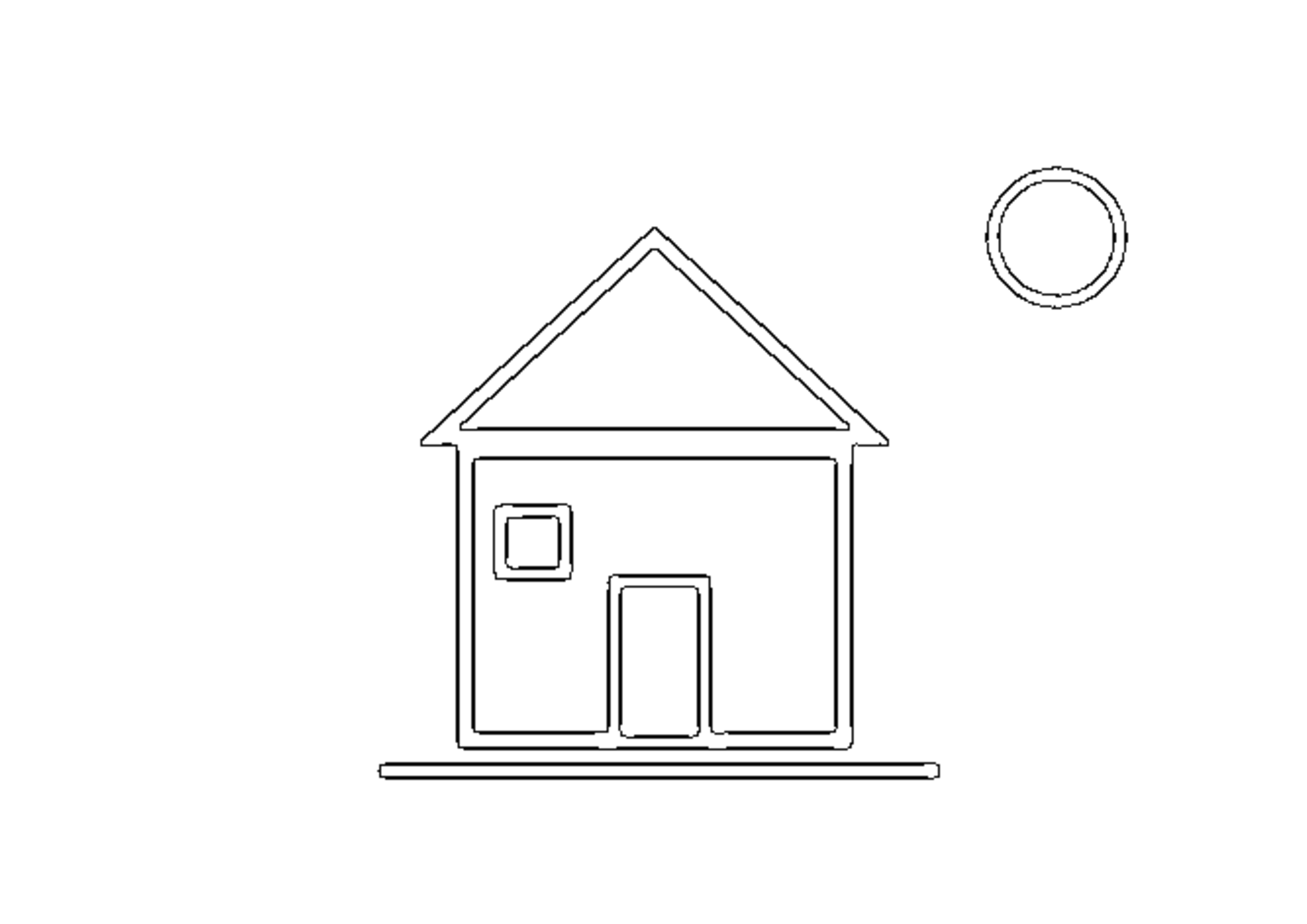
We downloaded each generated PNG and inspected it with Pillow. The first measured 3,508 × 2,480 pixels; the second measured 2,480 × 3,508. Those are actual saved outputs, not dimensions inferred from a thumbnail. The roof, window and sun appear in the rotated positions in the second result. We kept the generated paired outline edges visible in the comparison.
| Property | Orientation 1 input | Orientation 6 input |
|---|---|---|
| Stored JPG dimensions | 600 × 400 px | 600 × 400 px |
| Dimensions shown by tool | 600 × 400 px | 400 × 600 px |
| A4 page direction | Landscape | Portrait |
| Saved PNG dimensions | 3,508 × 2,480 px | 2,480 × 3,508 px |
| PNG file size | 402,570 bytes | 422,171 bytes |
The file-size difference describes these two exports only. It is not a quality score. The important result is that the tool used the oriented dimensions, rather than simply reading the stored JPG width and height.
Repeat the check with the Orientation 1 input and Orientation 6 input. Compare the landscape output and portrait output. Our measurement record includes the settings and file hashes.
Why paper size cannot fix a sideways subject here
We inspected the current app.js alongside the browser results. The file loader requests imageOrientation: "from-image" when creating its bitmap. The page generator then chooses landscape when the decoded width is greater than the decoded height. Selecting a different paper size changes the paper dimensions in that branch; there is no separate rotate-photo control in this workflow.
This explains a useful distinction in our two runs: the portrait sheet was correctly matched to the rotated bitmap, even though the deliberately rotated house was not upright. A well-fitted sheet and an upright subject are two different checks.
A short fix before you print
- Look at the selected photo and generated preview. Check the subject's direction, not just the word portrait or landscape.
- If it is wrong, rotate a copy in your photo editor and save that copy. Reopen the saved file to check that the direction remains right.
- Select the saved copy in the tool and generate again. Inspect the preview before downloading.
- Choose paper that matches your printer. Use our A4 versus US Letter guide for paper dimensions.
Does this prove every phone photo will rotate correctly?
No. We tested two direction tags in one Chrome browser with one synthetic drawing. We did not test mirrored tags, other browsers, camera apps or physical printing. The test does not diagnose a particular phone file without seeing it. For supported file formats and size limits, see image requirements.
Sources and scope
The inputs, downloads and measurements above are our own. The createImageBitmap documentation explains that from-image applies EXIF direction metadata. We also reviewed the current tool pages from Mimi Panda, iColoring and Canva. No matching two-tag, measured rotation test was found in those three inspected pages. This is a gap in that limited review, not a claim about their whole sites.