PHOTO QUALITY & INPUT · NOVEMBER 1, 2026
Coloring Page Maker: Does Input Pixel Size Change Your Coloring Page?
Yes, it can. In our test, three pixel sizes of the same synthetic illustration produced different downloaded pages, even though each A4 export had the same 3508 by 2480 pixel dimensions. Use the clearest available original and inspect the actual outline; a larger export cannot recreate details already lost in a small source.
Open the Maker · Maker Help & Guides
Our three-size experiment
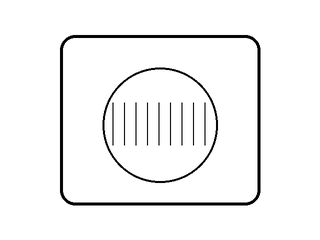
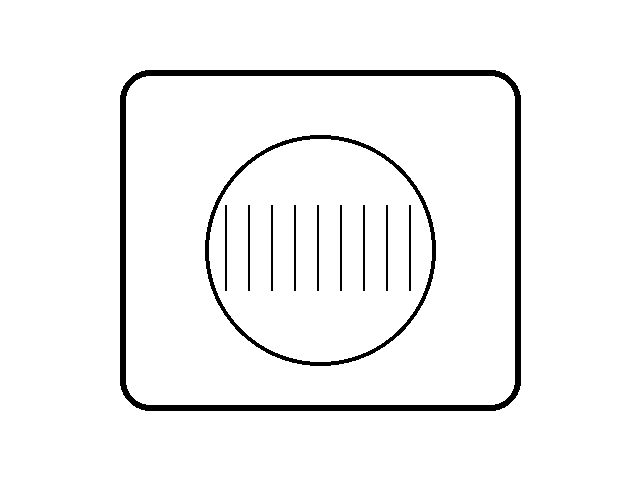
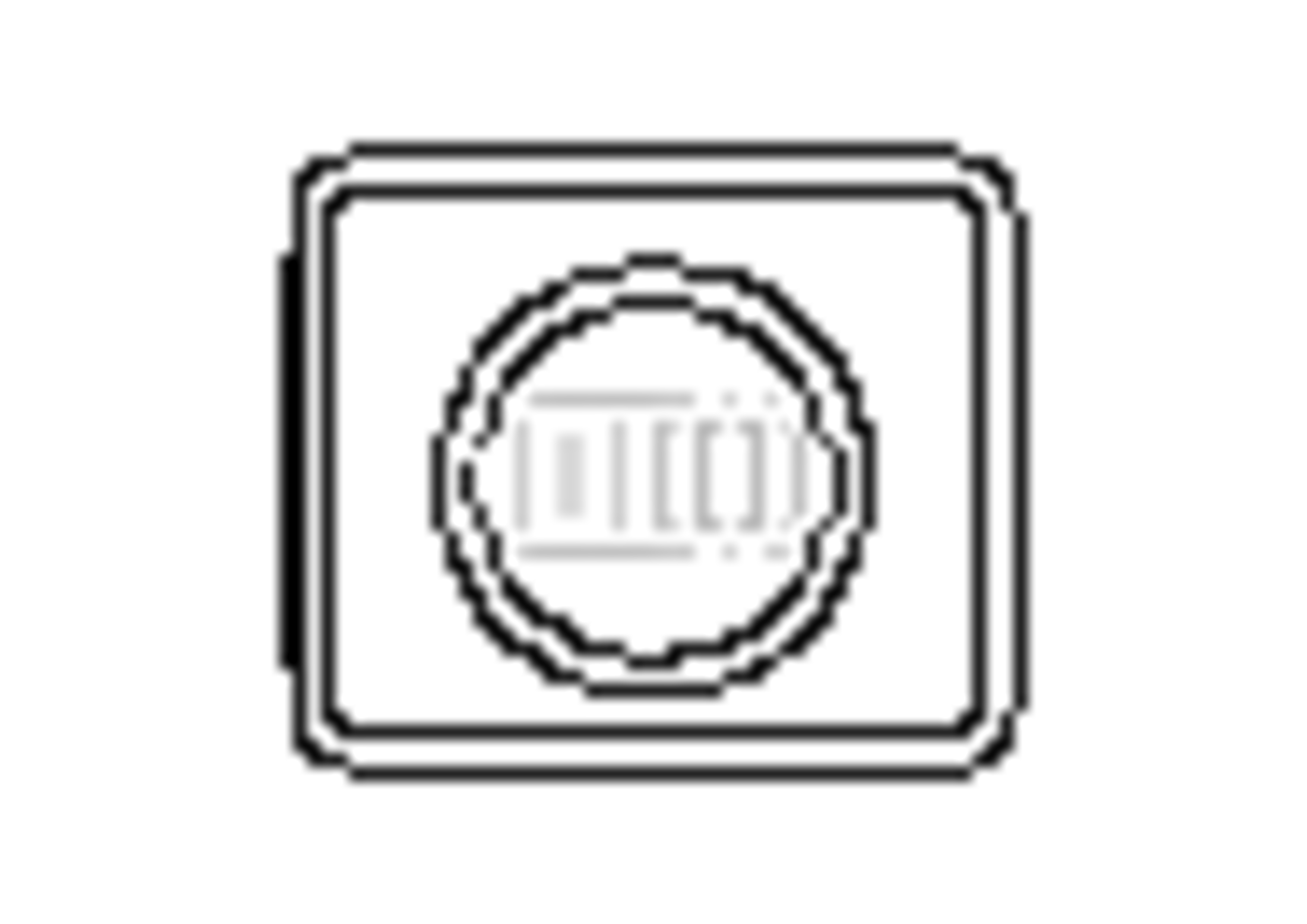
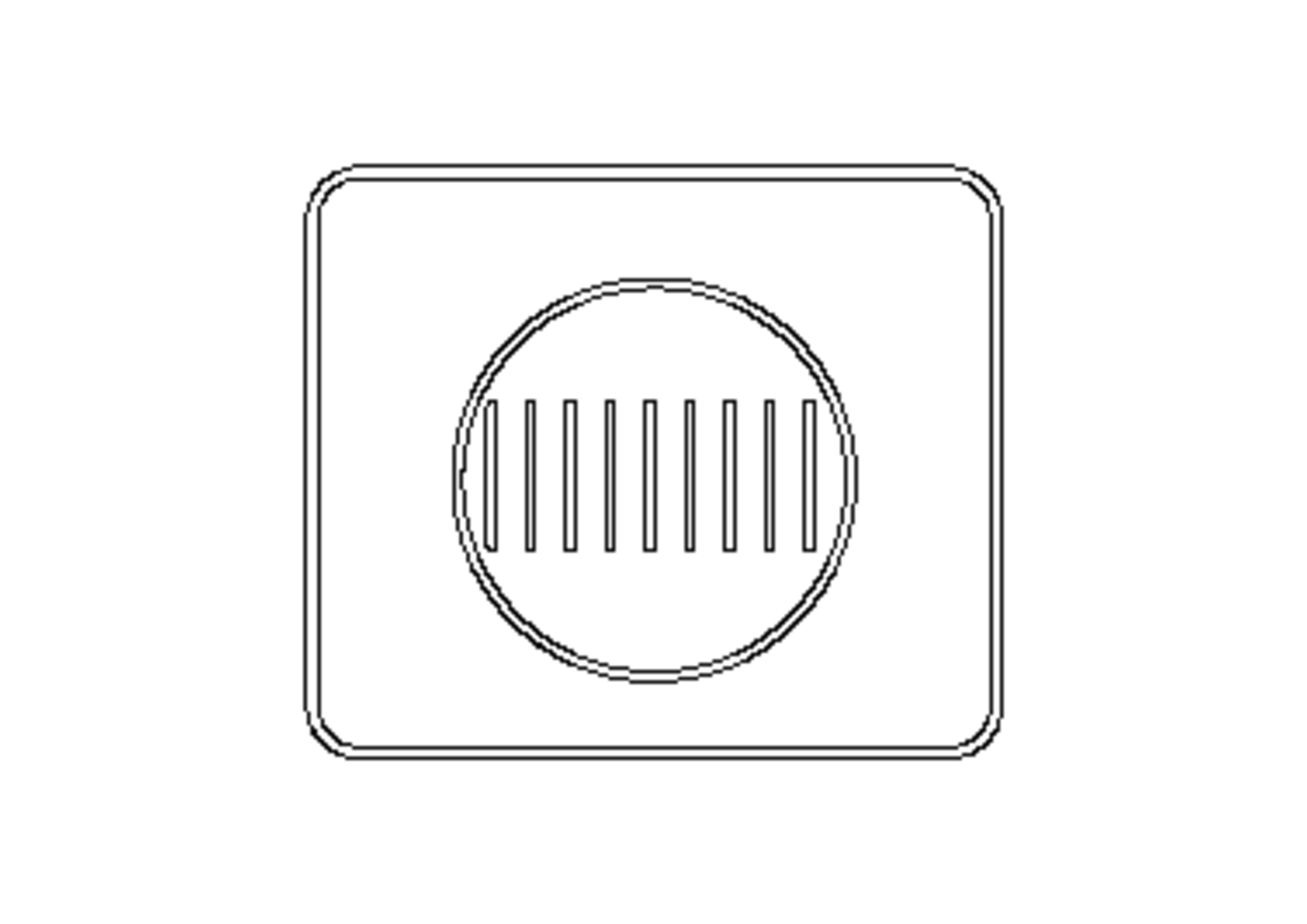
We drew one original 640 by 480 pixel illustration: a rounded black rectangle, a circle, and nine thin black lines on white. We made 320 by 240 and 80 by 60 pixel versions from that same original with Pillow's Lanczos resampling. Their composition is the same, but downsampling necessarily changes the sampled pixels, especially along fine lines. These were digital test illustrations rather than photographs.
In Chrome we opened the current production copy of our Maker, selected Clean Outline and A4, and downloaded the PNG for each input. All three outputs reported 3508 by 2480 pixels. Their SHA-256 hashes were all different. At the pixel level, the 80 and 320 results differed at 2,216,008 of 8,699,840 output pixel positions; the 320 and 640 results differed at 614,906 positions. The count describes any color difference at a position, not a quality score or a count of missing outlines.
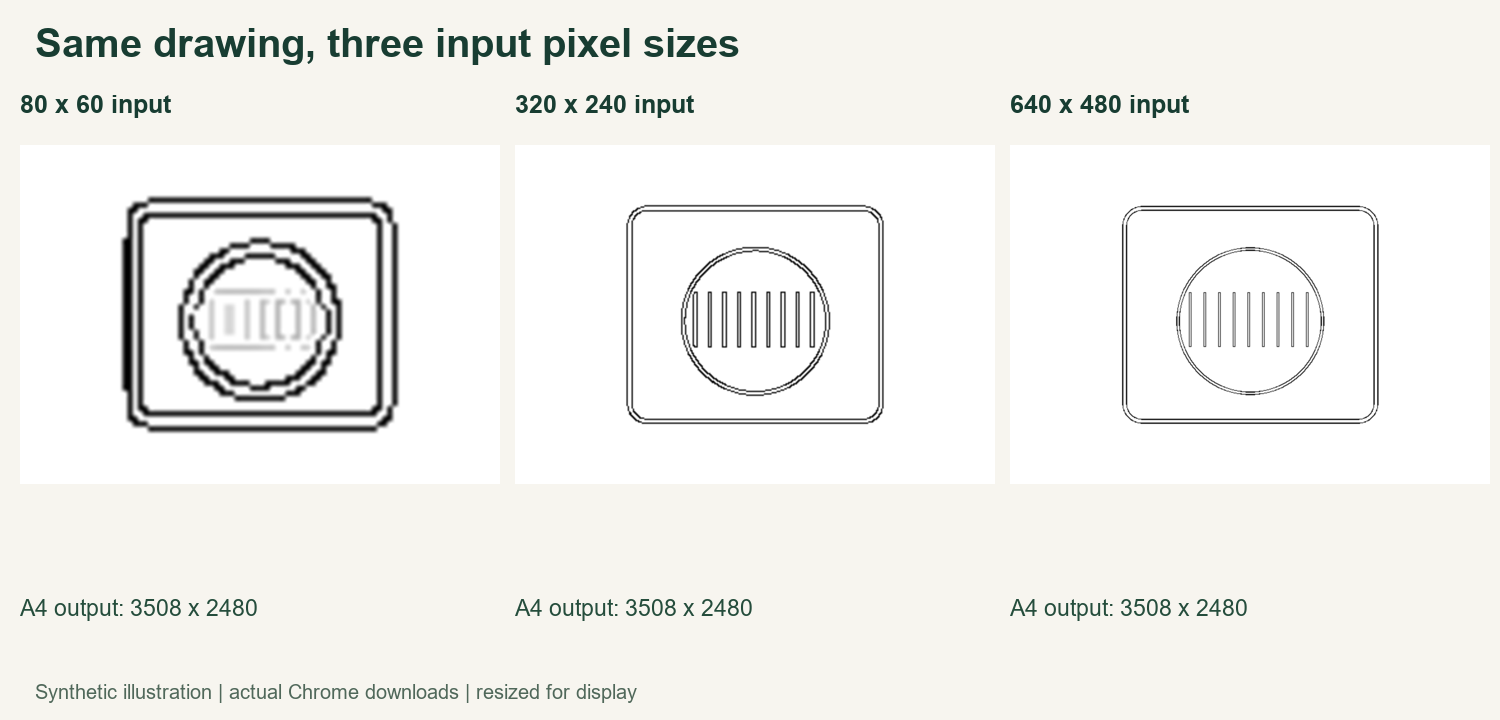
The displayed pages above are the actual downloads resized for the illustration. We also provide each original test input, full-size output, measurements and method below. You can compare the thin line region and the larger shapes separately; an edge may change without every part of the drawing changing in the same way.
Why input dimensions and export dimensions are different
Input pixels describe the image supplied to the Maker. Export dimensions describe the generated page. The three inputs had different dimensions, but selecting A4 gave the same output dimensions in this particular test. The shared output canvas size did not make the downloaded pictures identical. An output pixel count alone therefore does not tell you how much detail was present in the source.
Downsampling is a combined change to both pixel dimensions and the sampled representation of the drawing. Our test cannot isolate pixel dimensions from the filtering used to resize. It does not establish a minimum resolution, prove a higher-resolution input always looks better, test other styles or browsers, or measure a physical print. It also does not test competitor tools or camera photos.
Check your own image
Start with the clearest original you have rather than a small thumbnail or a repeatedly saved copy. Keep the original unchanged. If you have two versions, compare the same subject at the same crop; note that different processing or compression can also affect the result.
Generate each using the same style and paper size. Download the results and inspect important boundaries, small gaps and fine details at a similar viewing scale. Choose the version with usable lines rather than assuming that the one with the largest input or output file is best. If the only source is small, try it: this experiment does not establish a rejection cutoff.
For related issues see image requirements, blurry sources, and PNG file size versus line detail. Open the Maker, watch the video guide, or browse Maker Help & Guides.
Test files: small input, medium input, large input, small result, medium result, large result, measurements, and method and app fingerprint.