PHOTO QUALITY & INPUT · NOVEMBER 2, 2026
Coloring Page Maker: Does Flipping a Photo Flip Your Coloring Page?
Often the main shapes will reverse direction, but do not assume the generated page is a pixel-perfect mirror. In our one-image test, the result looked mirrored overall; after we flipped one output back, 1,220 of 8,699,840 pixel positions still differed. Check the preview, especially lettering and small details.
Open the Maker · Maker Help & Guides
Our controlled mirror test
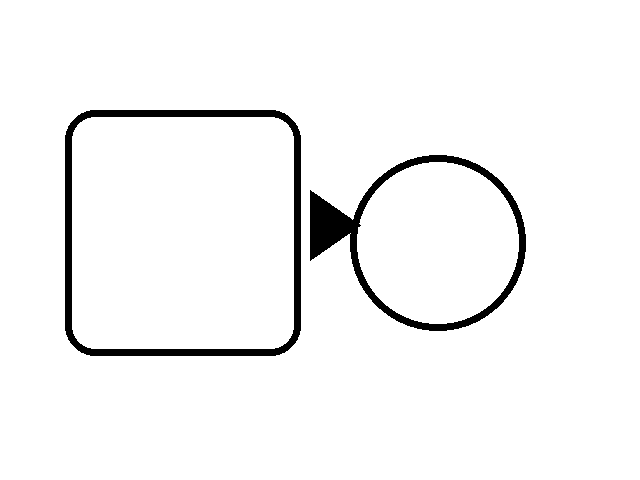
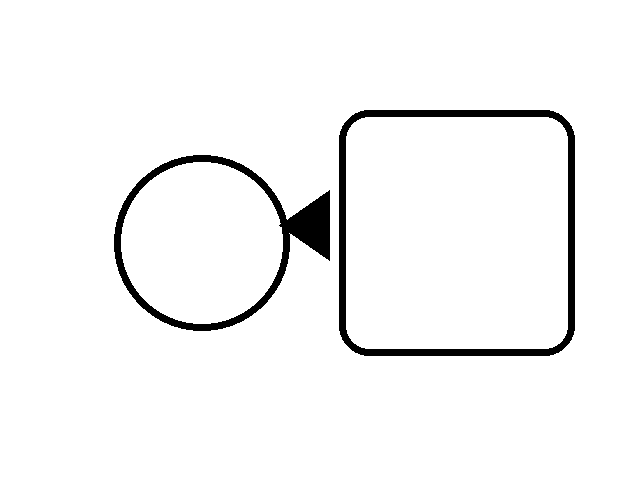
We created an original 640 by 480 synthetic illustration with a rounded rectangle, an ellipse and an asymmetric triangle. We used Pillow to make an exact left-to-right pixel mirror of that PNG. Both inputs have the same dimensions and the same colors; the difference is their horizontal arrangement. This was a geometric digital illustration, not a photograph.
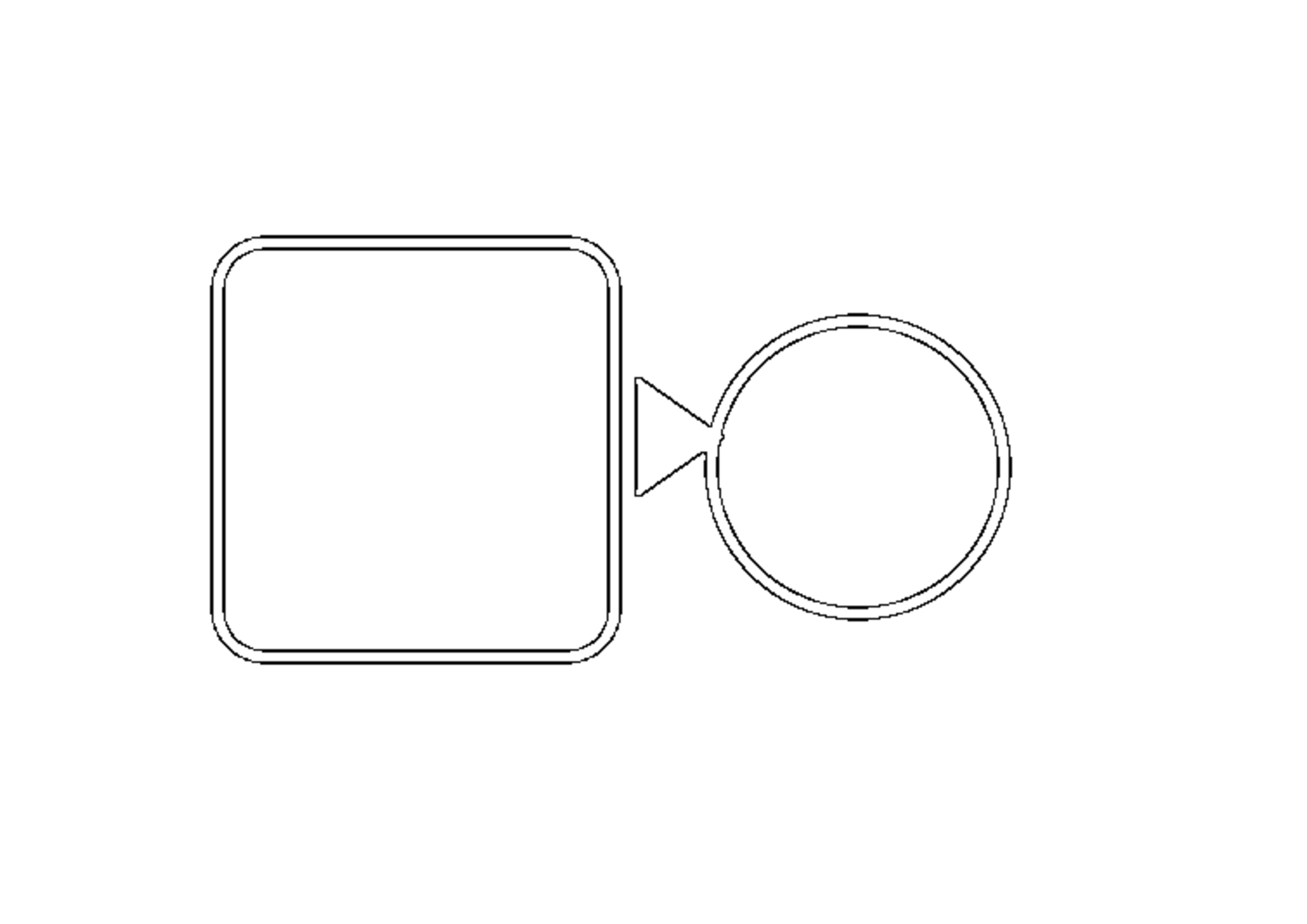
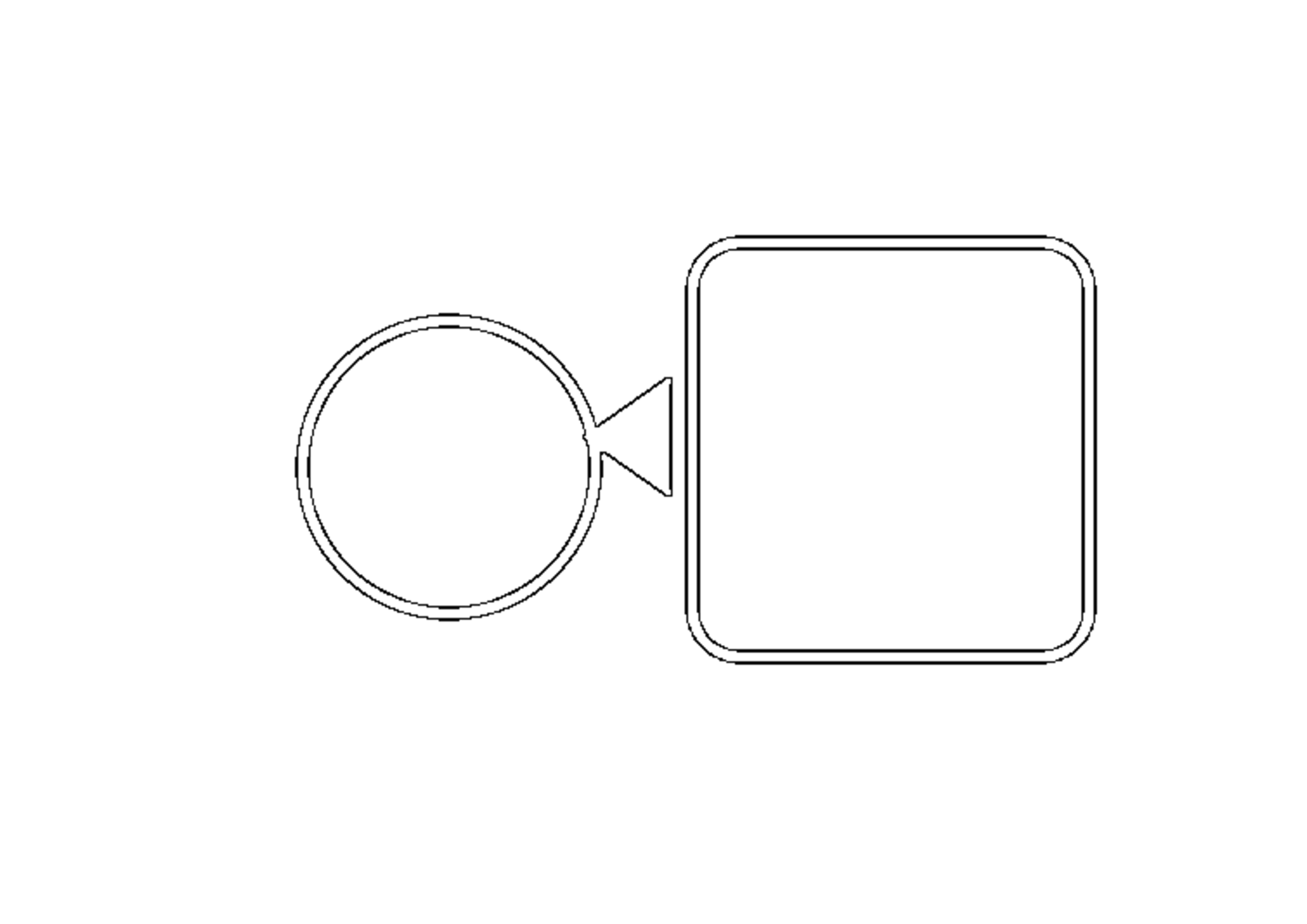
We opened the current production copy of this Maker in Chrome, chose Clean Outline and A4, generated each page and downloaded both PNGs. Each output measured 3508 by 2480 pixels. We then mirrored the first downloaded page horizontally and compared its RGB pixels with the second download at the same coordinates. The test counted a position as different if any color channel differed. The two output files had different SHA-256 fingerprints, and the aligned pixel comparison found 1,220 different positions out of 8,699,840.
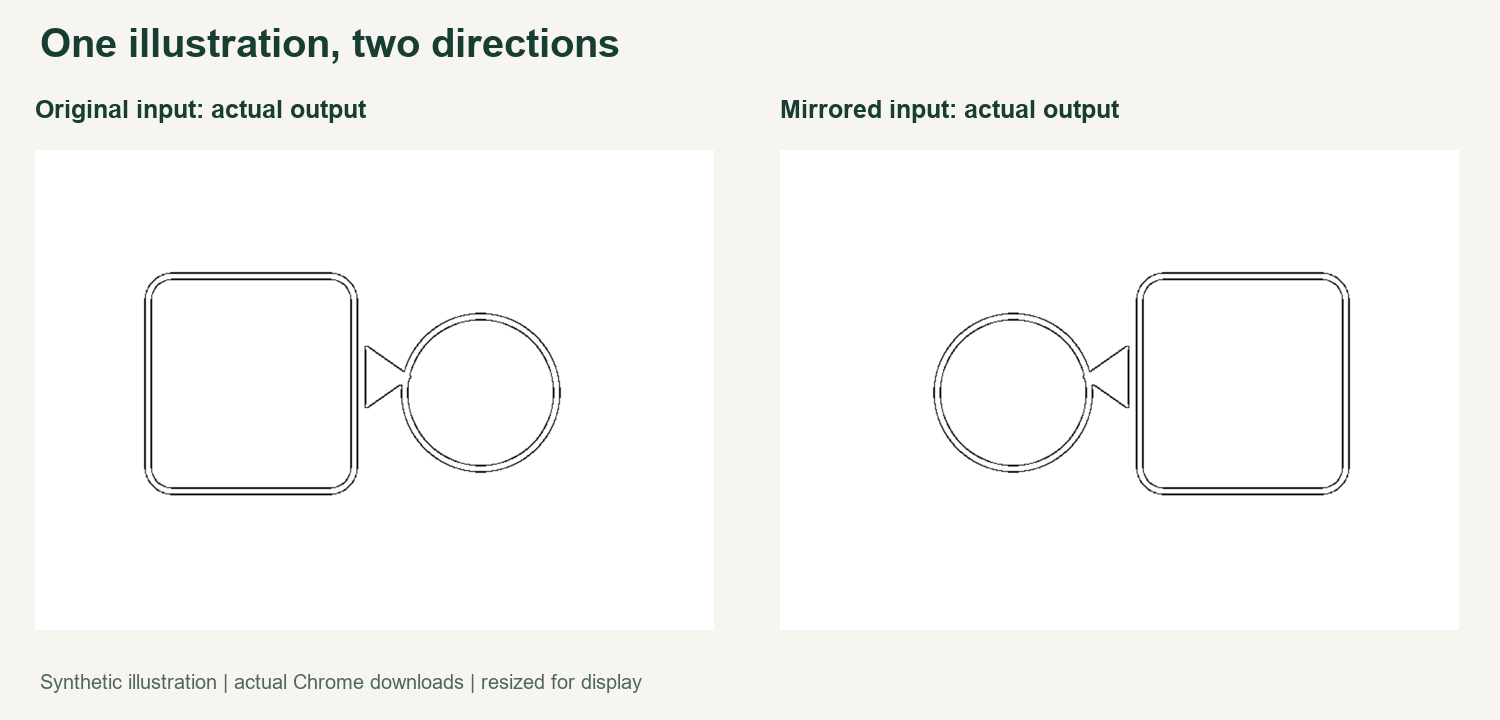
The figure shows the actual downloads reduced for display, not the inputs or a simulated result. Their large shapes appear reversed as expected. The small numerical difference means this particular pair is not an exact pixel mirror; it does not prove that a user would notice the changes when printing. The test inputs, full downloads, measurements and method are linked below so you can examine the result directly.
What this experiment does and does not establish
We changed just the left-to-right arrangement of one synthetic source. This checks one image, one Chrome version, one snapshot of our Maker, one line style and one paper setting. It does not test photos, other styles or browsers, competitor tools, physical printing or every possible image. It does not establish why individual pixels differed or guarantee the same behavior after an update.
The output file hashes alone are not a visual similarity score. A horizontal mirror moves pixels, so we aligned the first output by mirroring it before counting differences. Even that count only measures positions that differ, not the size of the color difference or whether a line is useful for coloring.
When to flip an image
Save a copy of your original before editing. If the direction matters, flip the copy in an image editor, then generate using the same style and paper as the unflipped version. Compare the finished pages at a similar size and check small gaps, important outlines and the position of the subject. Keep the version that fits your project.
Text and numbers will also reverse in a mirrored source, making them harder to read. If you need readable wording, consider adding it after choosing the finished outline. For related guidance, see text in a photo, page orientation, and repeatability. Open the Maker, watch the video guide, or visit Maker Help & Guides.
Test files: original input, mirrored input, original result, mirrored result, measurements, and method and app fingerprint.