DEVICES & WORKFLOW · OCTOBER 26, 2026
Coloring Page Maker: Will the Same Image Give the Same Result Twice?
For one unchanged image and the same settings, our coloring page maker produced the same PNG in all 15 downloads we checked. The files matched byte for byte in a controlled Chromium run. That is evidence about this input, these settings and the current app file; it is not a guarantee for every photo, style, browser or future version.
When is it useful to make the same page again?
If a download is interrupted or you want another copy, you may wonder whether pressing Make again changes the drawing. In this check, it did not: repeating the exact source and choices gave the same saved PNG. If you want a different look, deliberately change the source or a setting, then generate and review a new result. Keep a copy of any output you want to preserve.
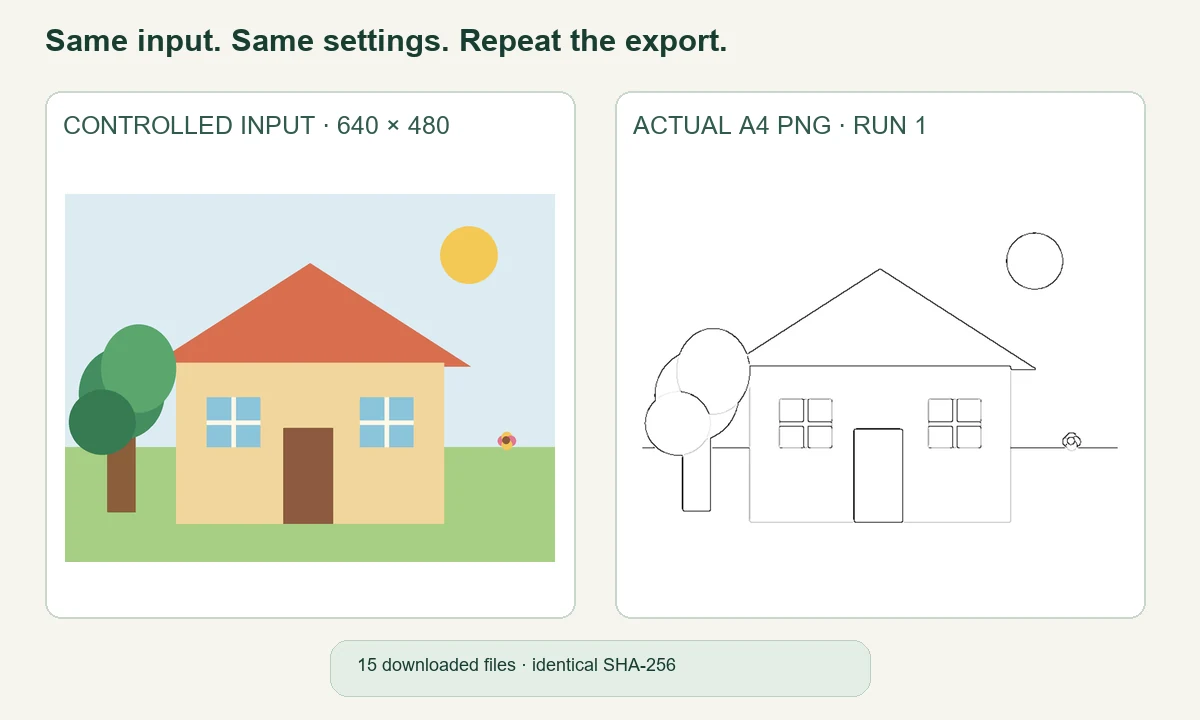
Our 15-download repeatability check
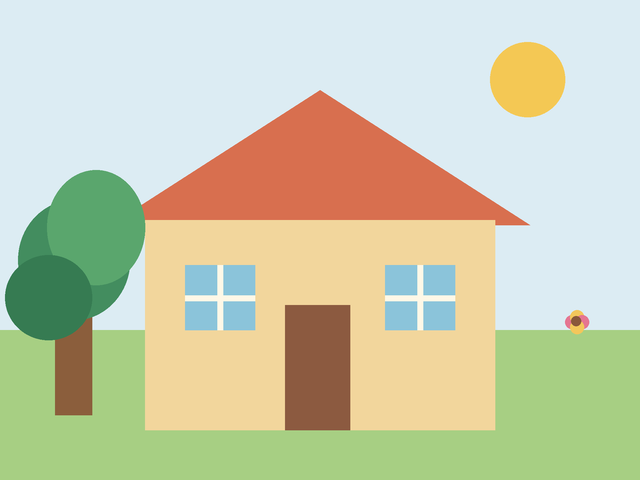
On October 26, 2026, we made one original 640 × 480-pixel PNG illustration: a flat-color house, tree, flower and sun on a simple background. It was designed as a controlled graphic so the exact input could be reused. It was not taken with a camera and should not be treated as a test of every kind of photograph. The source file and its SHA-256 fingerprint are linked in the source record.
We opened the live Photo Maker in Chromium, selected that same local PNG, kept the line style at Clean Outline and paper at A4, generated a page and saved the PNG download. We repeated the same sequence five times at a 390-pixel browser viewport. We then used a 1440-pixel viewport for five more generations, with the same source and choices. Finally, we opened a fresh 390-pixel browser context and repeated it five times. Browser viewport width describes the page layout; it does not mean we used a physical phone.
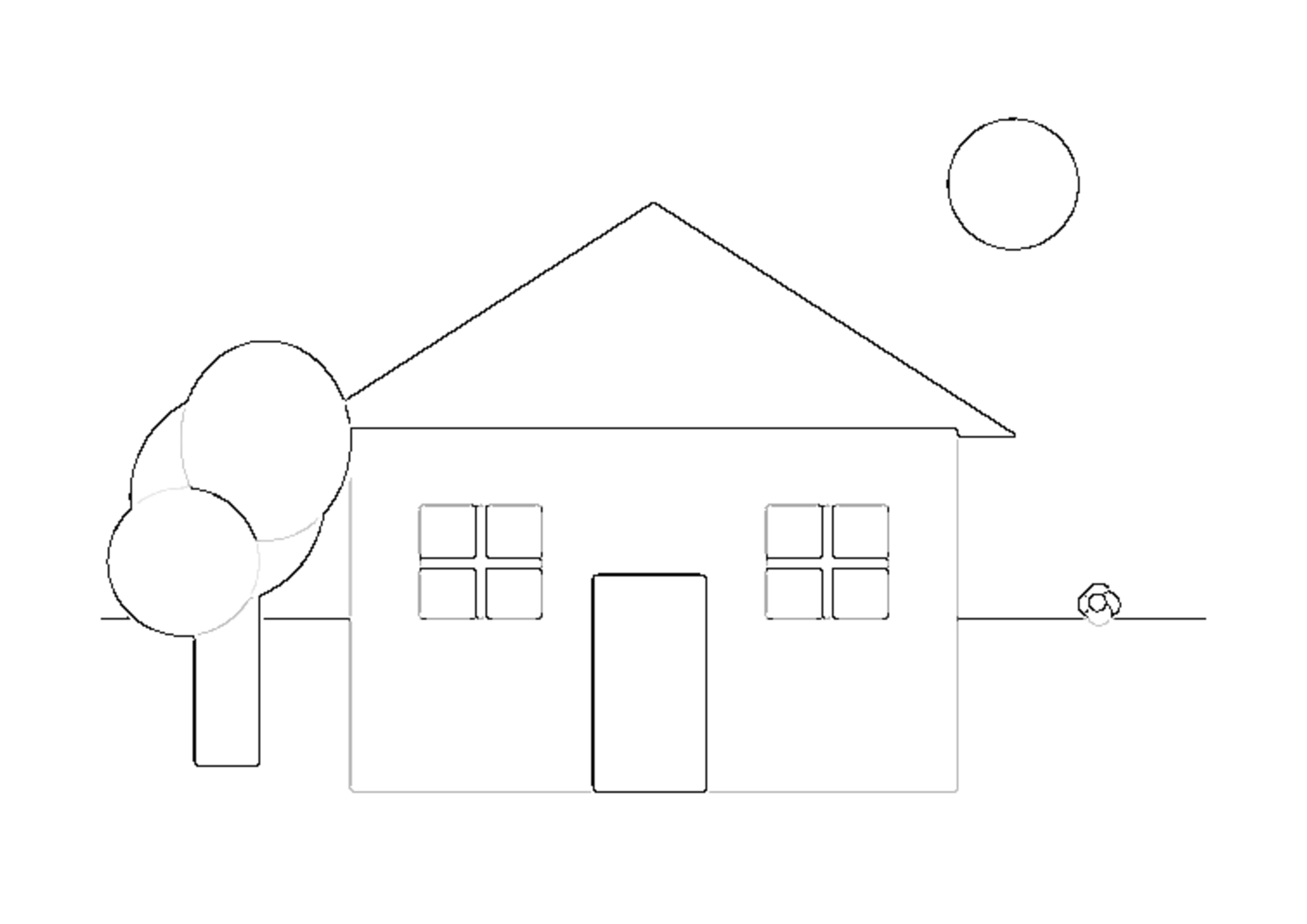
That made 15 actual PNG downloads across three browser contexts. Every saved file had the same SHA-256 fingerprint: da8045a4ebbe060dc5b9a26c666676dc67e79cc844c6f74d32e4046ed987f545. The files were each 3508 × 2480 pixels, and their byte lengths also matched. The first and last exports looked the same because their file contents were identical, not because we compared them by eye alone. The full measurement record lists each run, file length, viewport and app fingerprint.
| Chromium context | PNG downloads | Fingerprint | PNG dimensions |
|---|---|---|---|
| 390 px viewport · context A | 5 | Same fingerprint | 3508 × 2480 px |
| 1440 px viewport | 5 | Same fingerprint | 3508 × 2480 px |
| 390 px viewport · fresh context B | 5 | Same fingerprint | 3508 × 2480 px |
In this narrow check, changing the viewport from 390 to 1440 pixels did not change the downloaded PNG. The export stayed at the same A4 pixel dimensions, and all 15 files matched exactly. This is useful if you need a repeat copy of this particular result: with its source and choices unchanged, we did not see a new drawing appear on each press.
The tested source was a clean, digitally drawn illustration. We did not try camera photos, handwritten images, JPEG compression, different paper sizes, another line style, different browsers, device operating systems, failed downloads or later app versions. We did not print the files on paper. So the result cannot tell us whether a busy photograph or a changed setting will produce a similar match. The fingerprint records exact file identity in this test; it does not score how attractive, readable or printable a drawing is.
To repeat the check yourself, keep one source file, style and paper choice fixed. Save a few PNG downloads and compare their file fingerprints if your system provides a hash tool. If you change a style or paper setting, note that separately rather than calling it the same run. A screenshot or re-saved image is not guaranteed to be the exact same input as the original. The downloadable 640 × 480 source and example A4 output let you inspect the specific files behind this check.
The measured section describes our own controlled workflow and its limits. It is not a survey of coloring page makers, a ranking test or evidence about search demand. The page lists a current app fingerprint so the result is tied to the tested file rather than a promise about every later release.
How can I get a different result on purpose?
Start with a different source image, or choose another available style before generating. Keep your earlier PNG or PDF if you might want it later. The Maker's style guide explains how to compare line looks; the PNG and PDF guide explains the export formats. A new output should always be opened and reviewed before printing or sharing.
How does this compare with other coloring page tools?
The official Mimi Panda photo converter presents several style choices on its page. iColoring lists separate image-to-coloring-page, text-to-coloring-page and bulk-generator routes. Canva's guide describes editing a generated page in Canva. Those pages describe their own workflows; we did not run their converters in this repeatability check. Our comparison is limited to whether one exact input gave identical downloads from this site's current Photo Maker.
Watch the measured example
Watch the English video or watch on YouTube, or browse the Maker Help & Guides.
Sources and limits
Our source PNG, its fingerprint, the downloaded outputs and the test record support the measured result. Competitor descriptions were checked on their official pages on October 26, 2026; their publication dates and Google indexing status are unknown. We did not use search-volume estimates, ranking forecasts or competitor output claims.