PHOTO QUALITY & INPUT · OCTOBER 31, 2026
Coloring Page Maker: Can a Dark Background Change Your Outlines?
Yes. A dark background can change the outlines when it has little contrast with the subject. In our controlled test, one dark background produced a different downloaded page, while white and medium-gray backgrounds produced identical files. Check the preview and try a brighter, simpler background if an important edge is missing.
Open the Maker · Maker Help & Guides
Our controlled three-background test
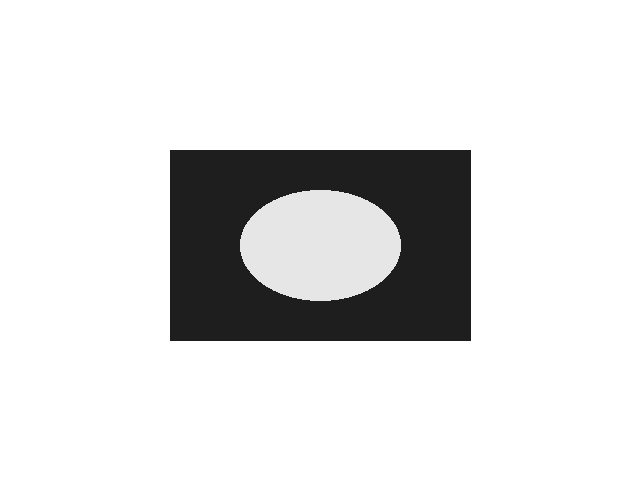
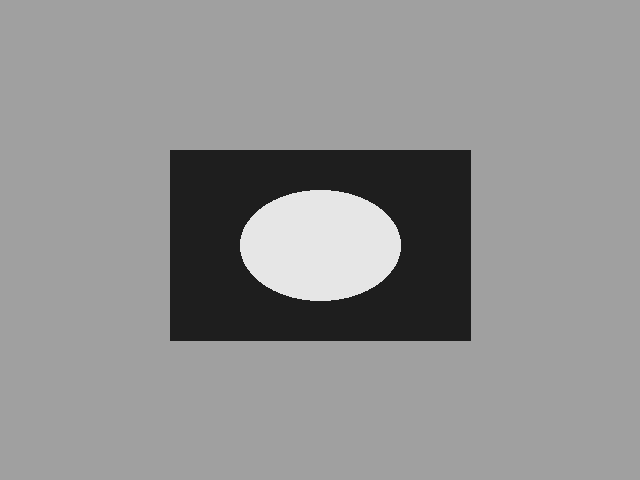
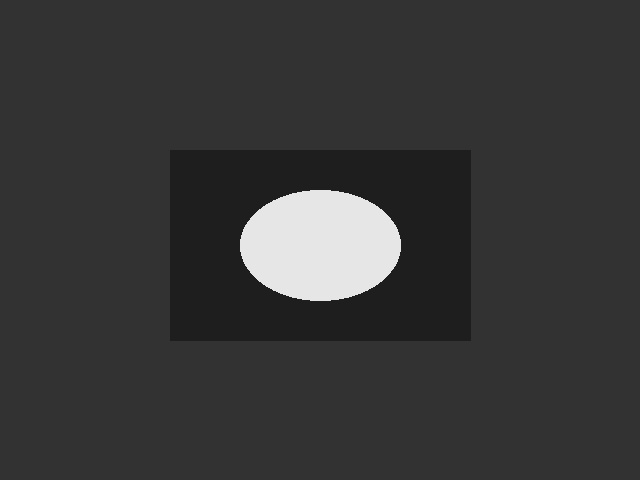
We made three original 640 by 480 digital illustrations. Each has the same dark rectangle, RGB 30, with a light oval, RGB 230, inside it. Only the solid background changes: white is RGB 255, medium gray is RGB 160 and dark gray is RGB 50. These are synthetic geometric illustrations, not camera photographs. Their solid colors make the change easy to reproduce without accidentally changing the subject's position, shape or brightness.
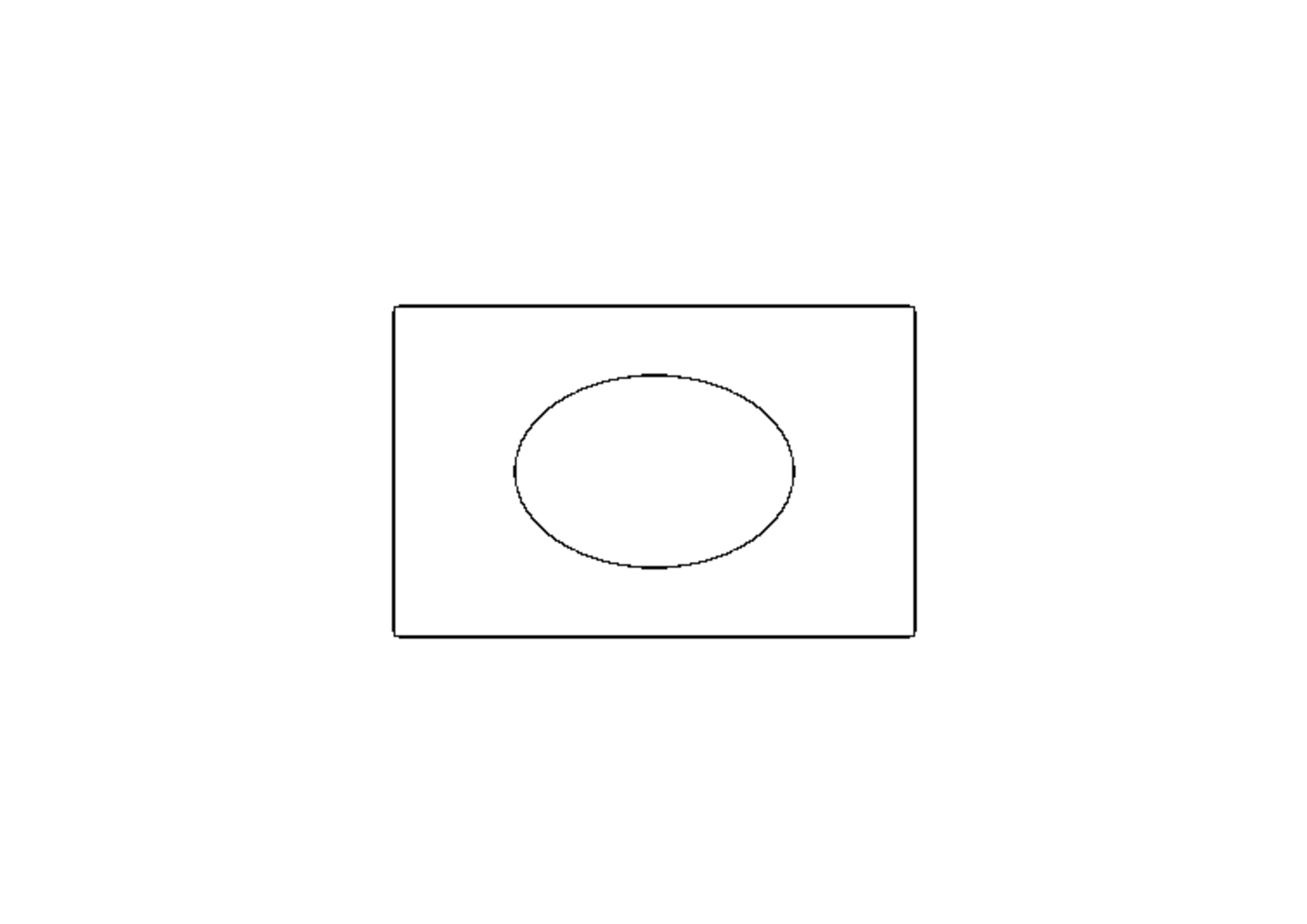
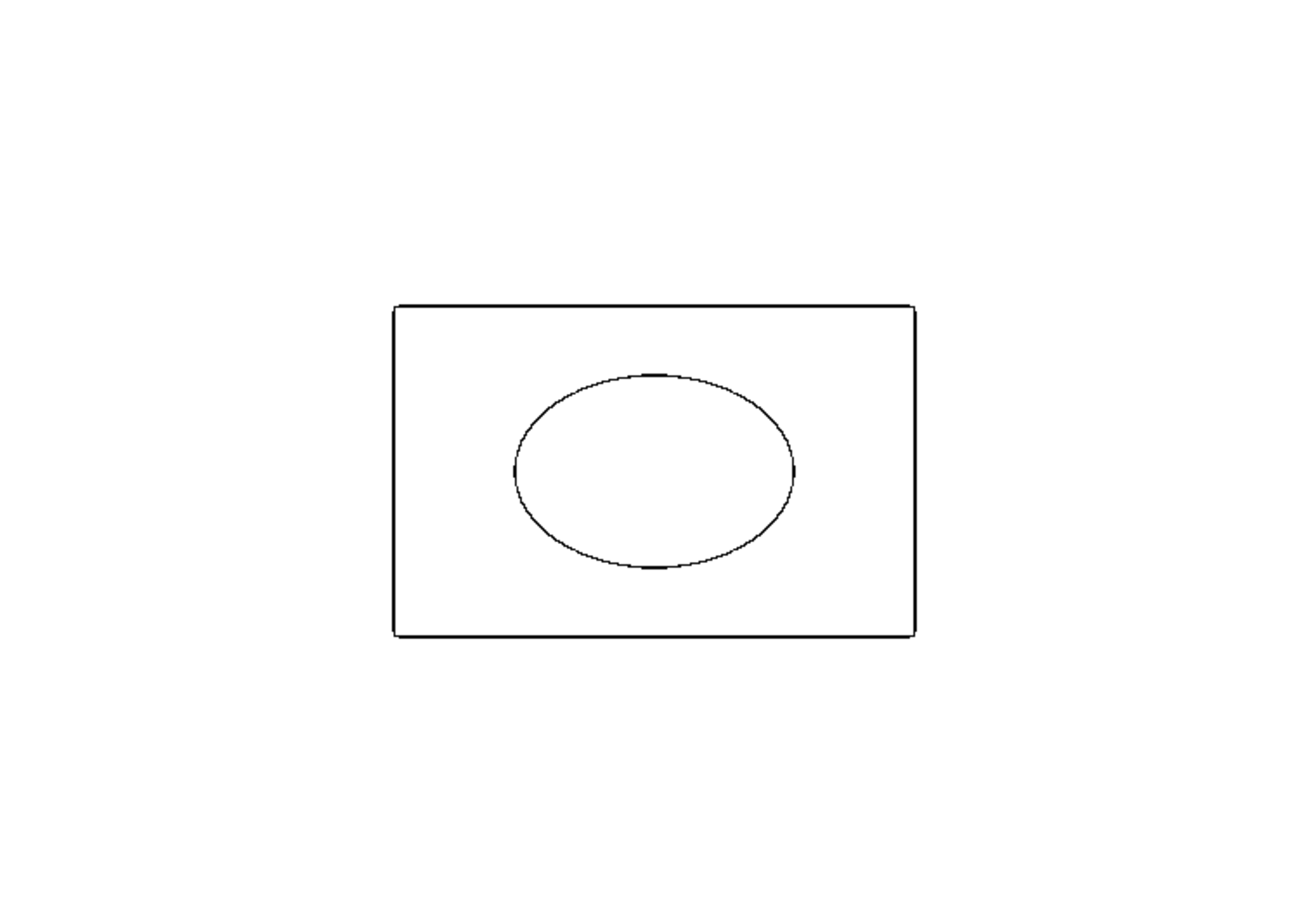
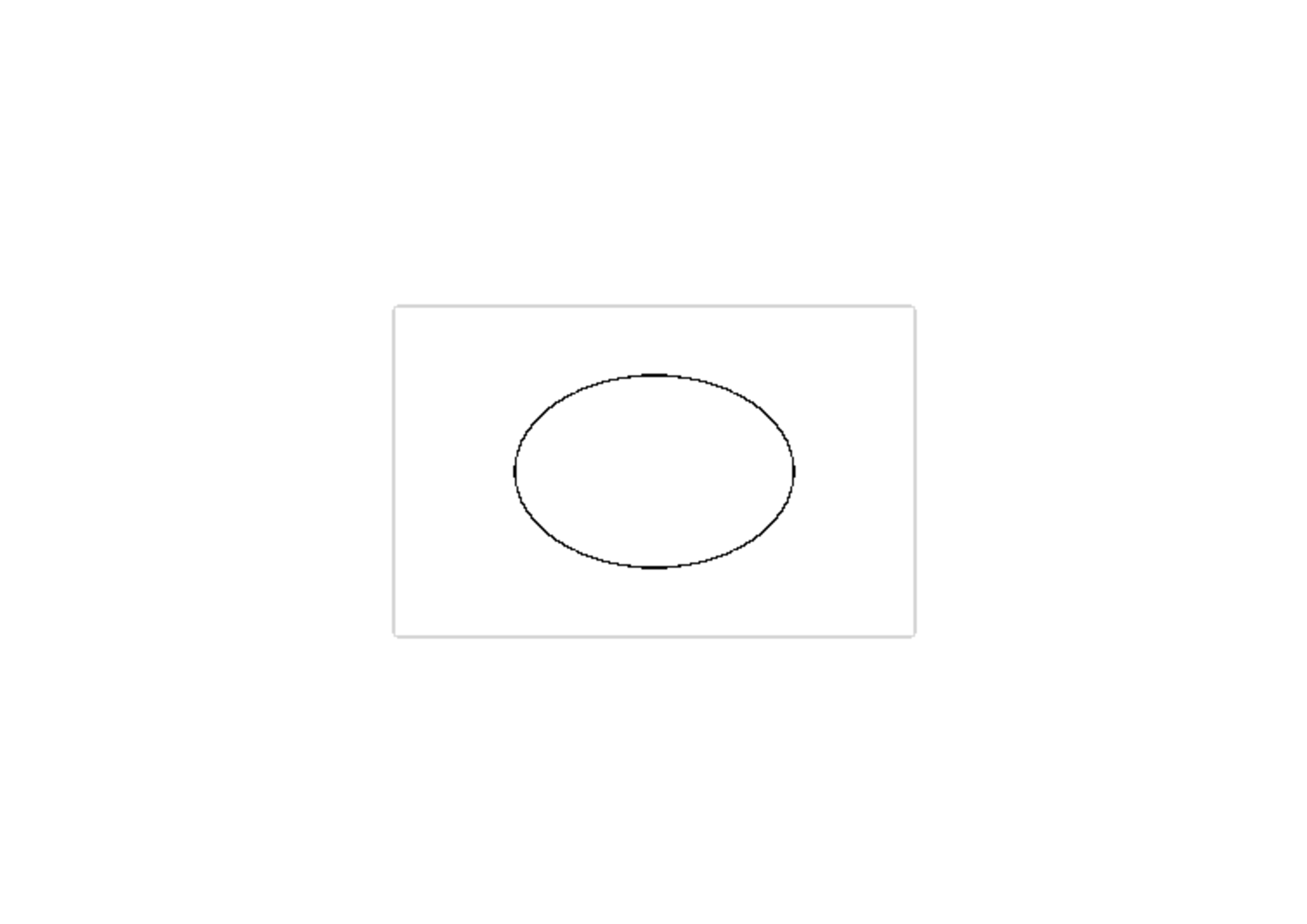
We loaded each PNG separately into the current production copy of this Maker in Chrome, chose Clean Outline and A4, generated the page and clicked Download PNG. All three downloads measured 3508 by 2480 pixels. The white and medium-gray files had the same complete SHA-256 fingerprint. The dark-background output had a different fingerprint. A pixel difference check found changes in the subject area; the preview figure shows the actual exported pages, scaled down for display.
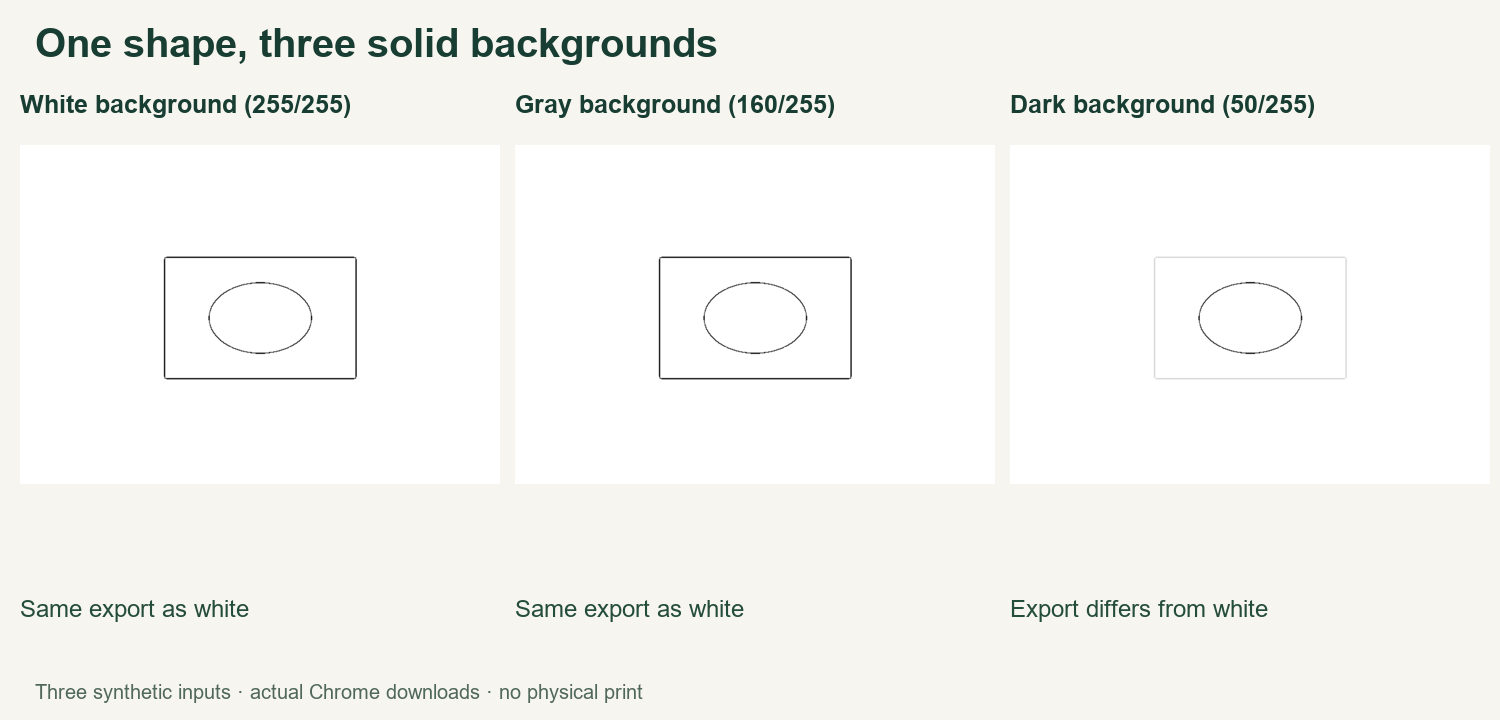
The white and gray result is a useful reminder that changing a background does not automatically change every outline. In this particular case both generated exactly the same file. The dark result shows that a second change can matter: the outer rectangle was drawn in RGB 30, and the dark background was RGB 50, only 20 levels away. The other backgrounds were much farther from that same rectangle. This simple comparison does not establish a universal contrast threshold.
What this result does and does not show
The three inputs differ only in their background pixels. Our input-generation method, actual PNG inputs, three downloaded output files and measurements are linked below. The experiment was run in one Chrome version with one style and paper setting, using the local production files. It was not a test of competitor converters, other styles, other browsers, real photos or physical printing. An output file matching in this test does not promise identical results on a different image.
The current Maker processes decoded image pixels and creates line art from image changes. In a dark subject against a similarly dark background, a weak boundary may be less apparent than the inner light oval. This is a site-specific explanation based on the observed files and current code. The test does not prove why a particular pixel changed or guarantee how the algorithm will behave after an update.
Try this with your own photo
First, save a copy of the original. Look at the edge around the subject, not only at the average brightness of the entire picture. A dark coat against a dark wall may have a difficult boundary even when another part of the photo is bright. If you have another photo with a clearer separation between the subject and background, try that before making complicated edits.
Generate a page and inspect the outline on screen. If a key edge is missing, try a copy with a brighter or more distinct background and regenerate with the same style and paper selection. Change one thing at a time, so the comparison remains interpretable. Keep both downloads until you have chosen the more useful result; the smaller or brighter file is not automatically the better photo.
Related problems
A detailed background is a separate problem from a dark one: see busy backgrounds. If the whole source is very dark, read why dark photos can lose lines. If the subject edge is already soft, blurry photos explains why output DPI cannot restore detail that is missing from the source.
Open the Maker, watch the English video guide, or browse Maker Help & Guides. The best test is the finished preview for your own source, with the important outline clearly visible.
Test files: white input, gray input, dark input, white result, gray result, dark result, measurements, and method and app fingerprint.