CONTROLLED CONTOUR TEST · OCTOBER 15, 2026
Coloring Page Maker: Why Are My Outlines Open?
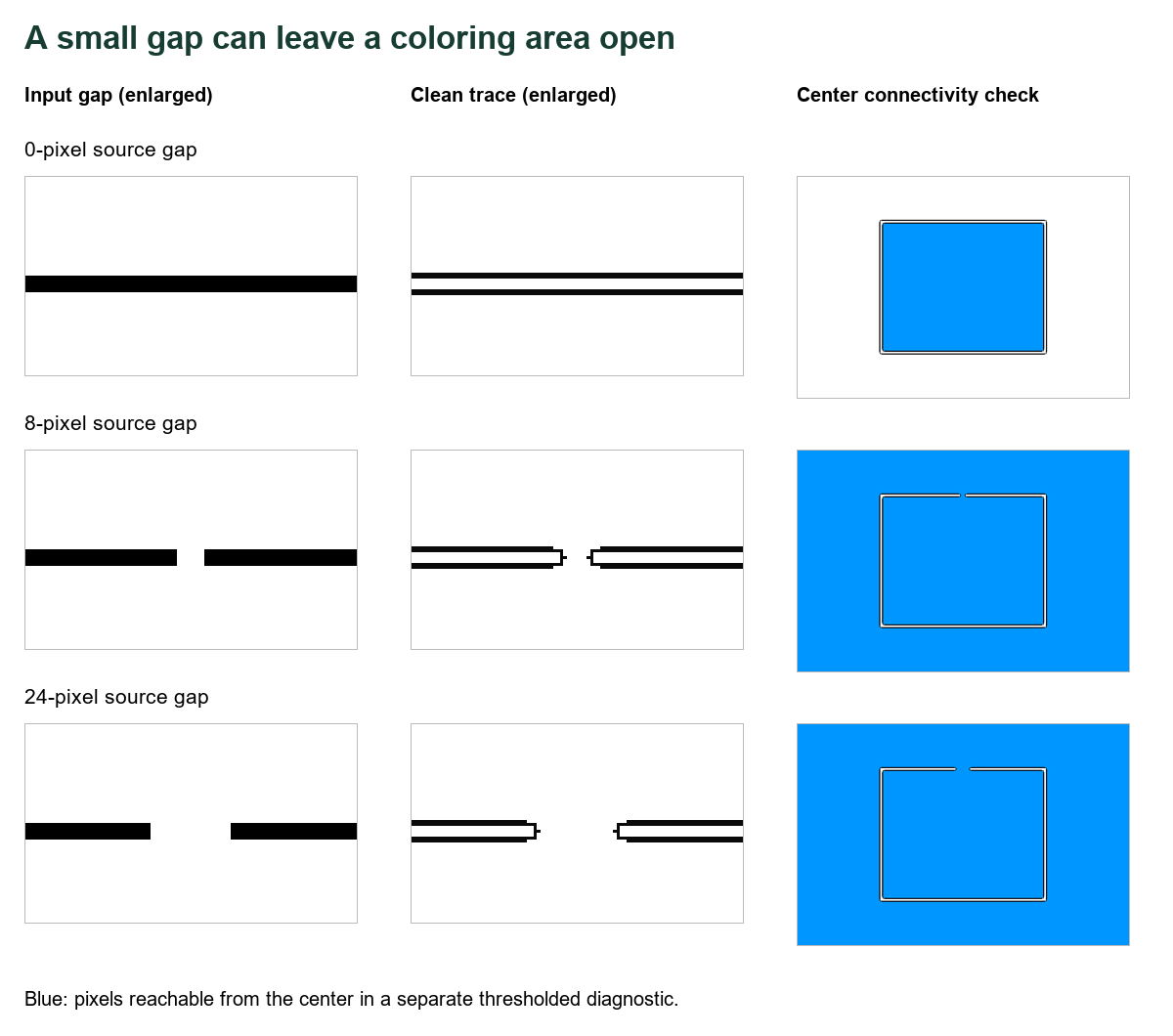
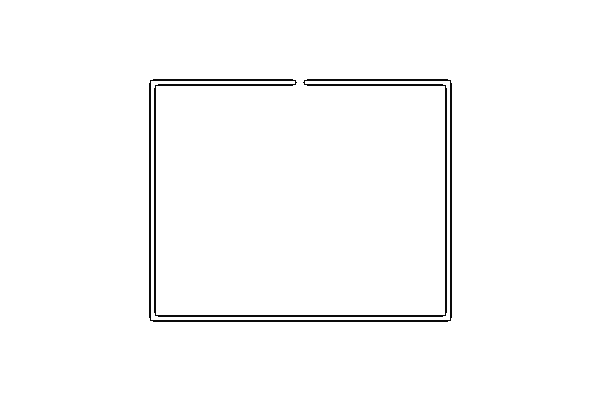
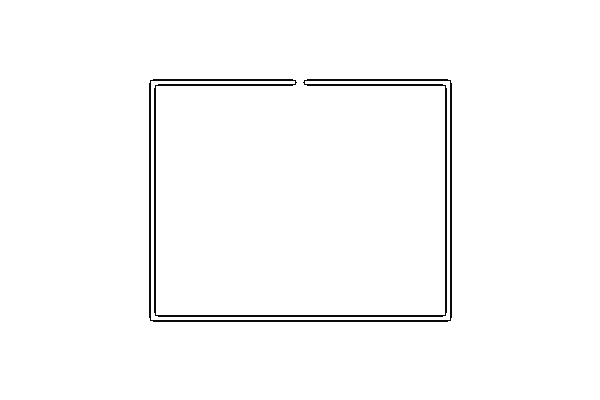
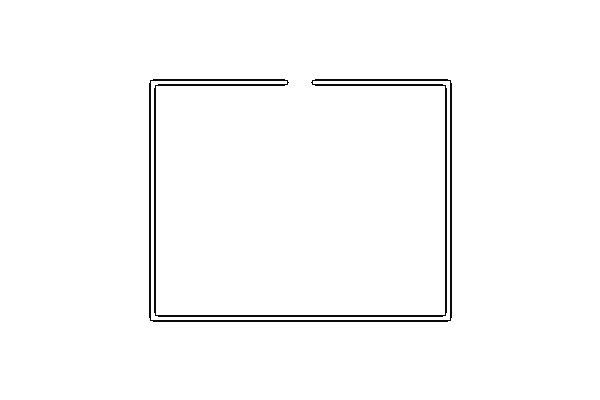
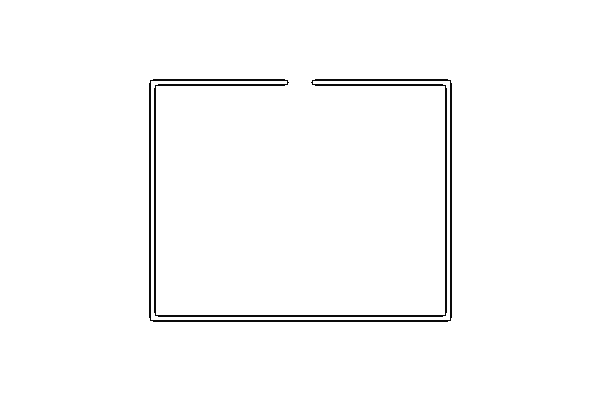
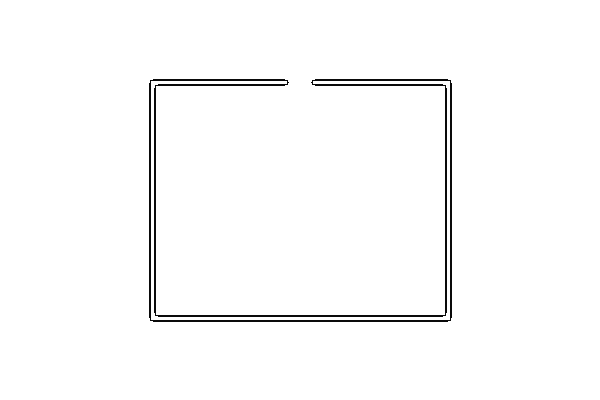
Check the source boundary before changing line styles: a missing connection can remain missing after tracing. In our matched test, both an 8-pixel and a 24-pixel source gap stayed open with Clean Outline, Detailed and Simplified. This coloring page maker traced the existing edges; it did not invent a closed shape.
Compare your original and trace →
One border, three source conditions
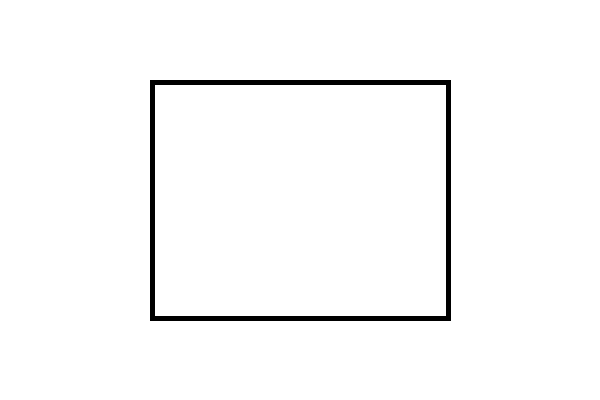
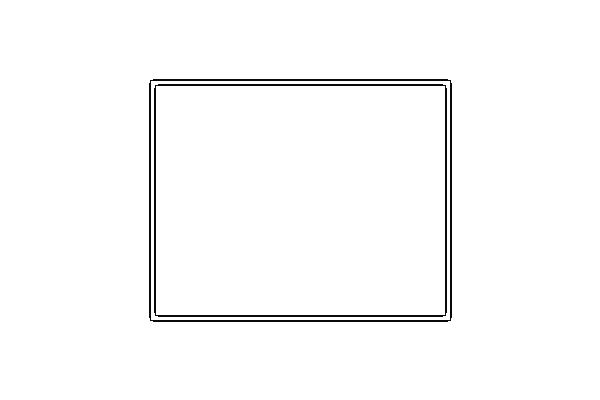
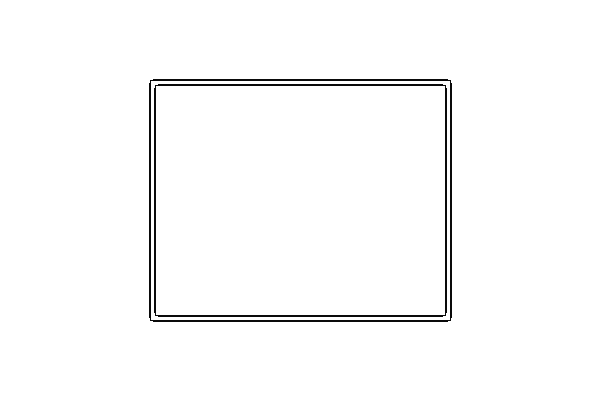
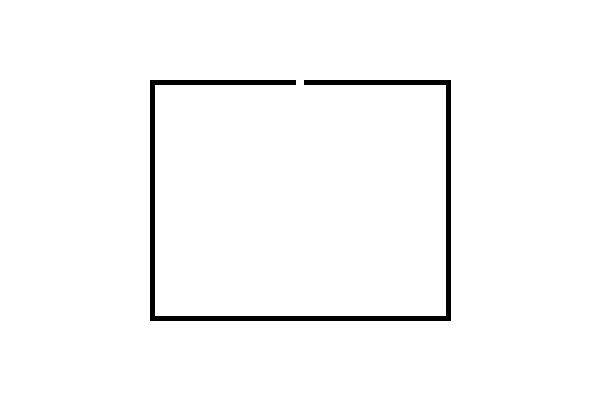
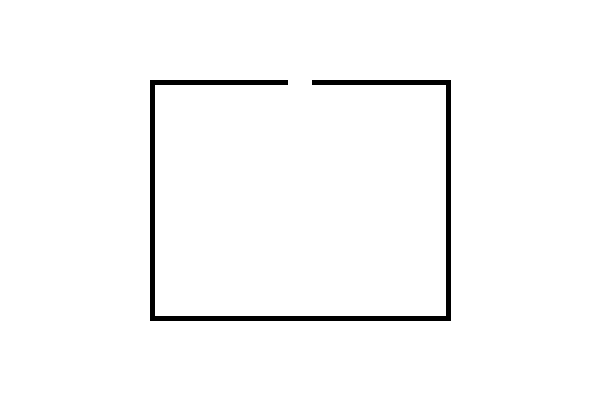
On October 15, 2026, we created three opaque 600 × 400-pixel PNGs with Pillow. Each has a white background, RGB (255, 255, 255), and the same black rectangular border, RGB (0, 0, 0), bounded by (150, 80, 450, 320). The border is five pixels wide. The closed version is unchanged. For the other versions, we erased a centered segment from the top edge: x = 296–303 or x = 288–311, inclusive, using white from y = 75–89. Those horizontal ranges contain 8 and 24 columns.
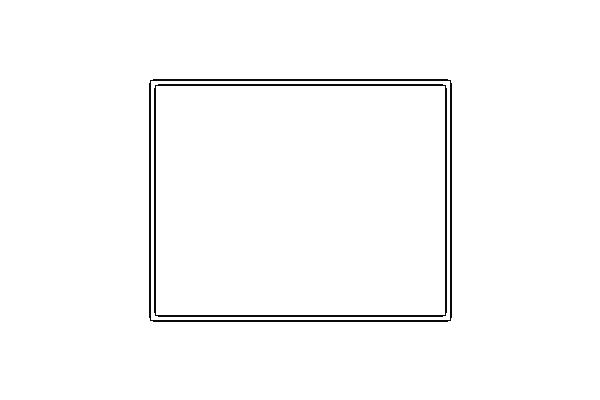
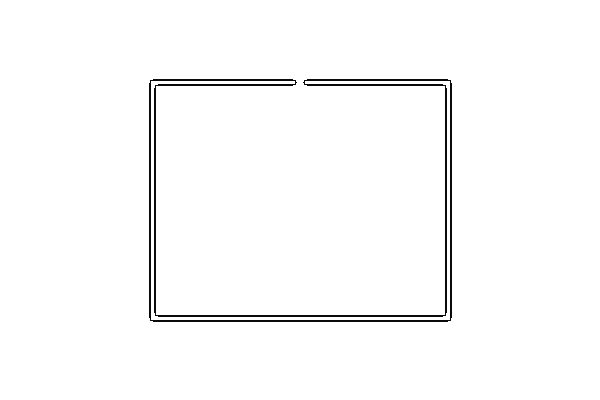
We verified that the public app.js and our local copy matched byte for byte. Then we extracted its unchanged tracing function, support function and presets. Each input ran through Clean Outline, Detailed and Simplified, giving 3 inputs × 3 presets = 9 outputs. Input dimensions, border position, color and thickness stayed fixed. This isolated run excludes browser image decoding/resizing, page placement, export and physical printing.
How we checked whether the outline was closed
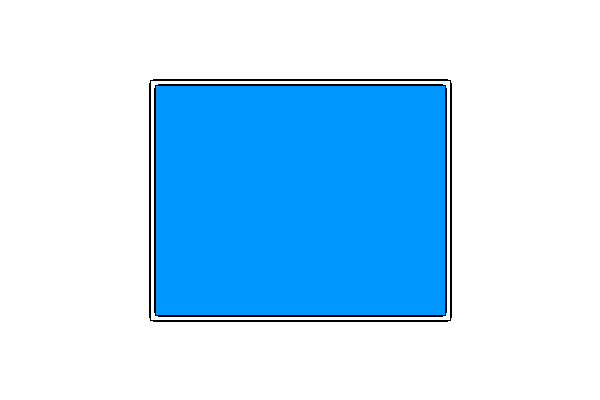
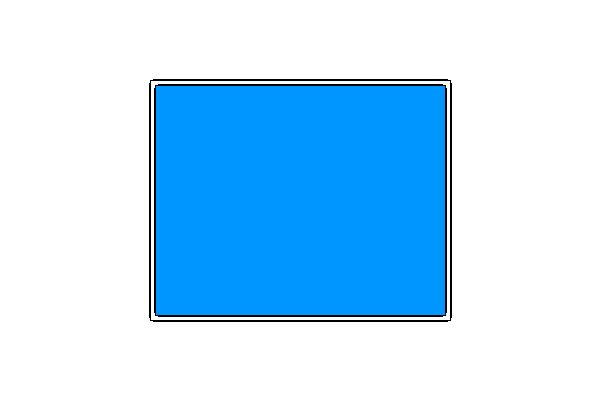
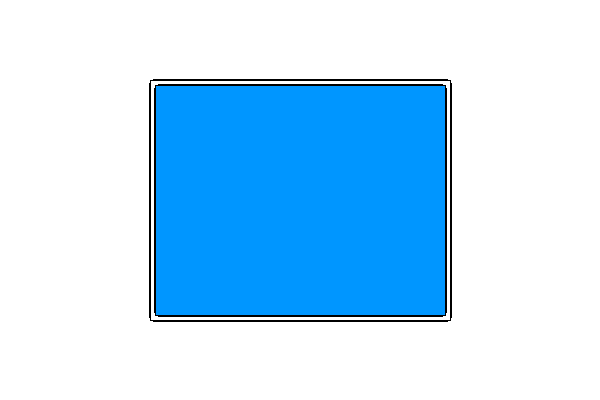
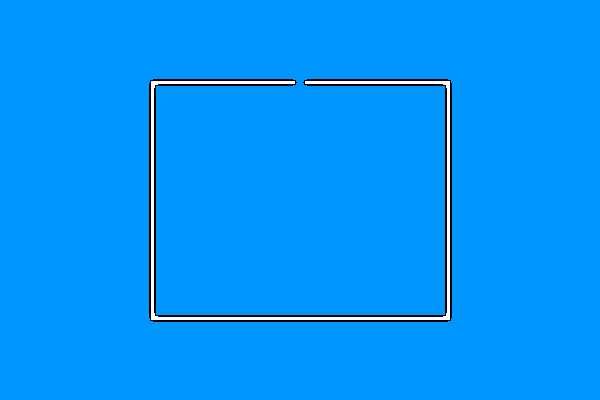
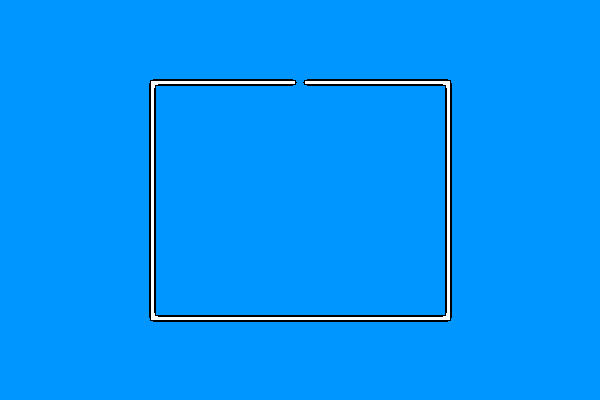
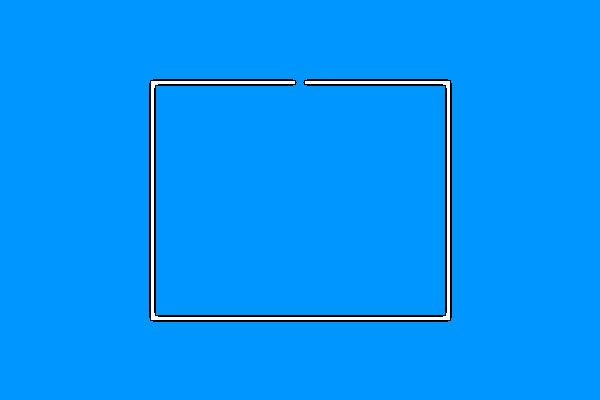
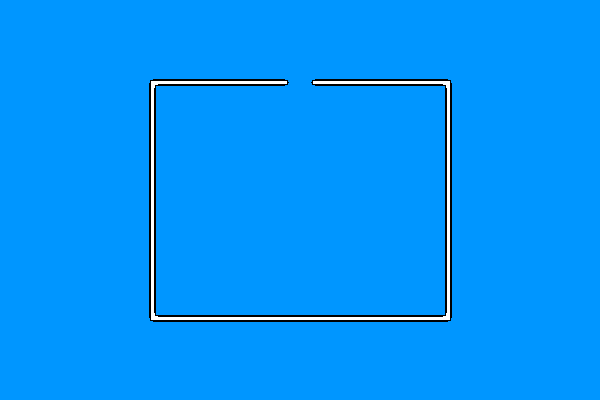
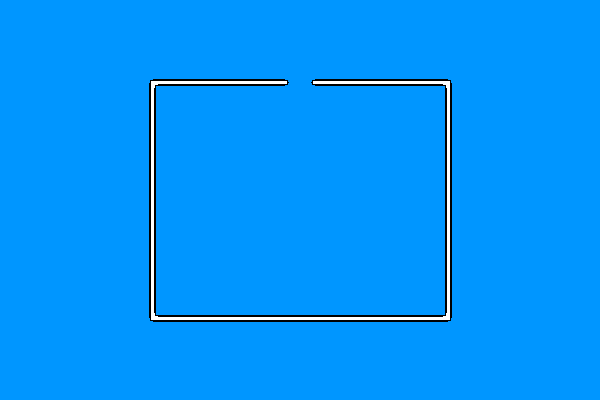
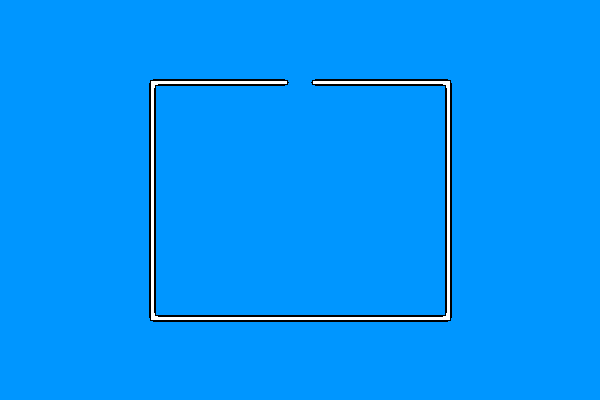
We converted each output to a binary barrier mask: gray values strictly below 128 become black; all other pixels become white. Using Pillow's ImageDraw.floodfill with threshold zero, we marked the white component starting at (300, 200) blue, RGB (0, 150, 255). We then checked whether the corner at (0, 0) was also blue. This is a reproducible connectivity diagnostic; it is not a simulated measurement of every painting application's bucket tool.
| Source gap | Preset | Center reaches corner? | Reachable pixels |
|---|---|---|---|
| 0 px | clean | No | 66,181 |
| 0 px | detailed | No | 66,181 |
| 0 px | simple | No | 66,181 |
| 8 px | clean | Yes | 232,646 |
| 8 px | detailed | Yes | 232,646 |
| 8 px | simple | Yes | 232,646 |
| 24 px | clean | Yes | 232,758 |
| 24 px | detailed | Yes | 232,758 |
| 24 px | simple | Yes | 232,758 |
The closed input's trace kept the center separate from the corner in all three presets. Its center component contained 66,181 pixels. With the eight-pixel source gap, the component reached the corner and contained 232,646 pixels. The 24-pixel gap also reached the corner, with 232,758 pixels. These are counts over a 600 × 400 = 240,000-pixel canvas, not percentages, accuracy scores or search statistics.
The formula for each reachable-pixel count is the number of mask positions equal to RGB (0, 150, 255) after the flood fill. Each preset matched the other two for the same source condition. Their raw traces contained 4,200, 4,164 and 4,100 pixels below gray 128 for gap widths zero, eight and 24, respectively. A similar total ink count can therefore hide an important change in connectivity: inspect the shape, not only the amount of dark ink.
What follows from these results
For these fixtures, selecting another preset did not close either source gap. It would be incorrect to present a style switch as a tested repair. The blue area shows why an open boundary can matter when an editor selects a connected white region: that region can include both the apparent interior and the outside. This is an inference from the mask connectivity, not a test of an external editor.
Our fixture contains one axis-aligned rectangle and two deliberately erased gaps. It does not establish a minimum gap that always leaks, a universal tolerance setting, or results for diagonal edges, faces, fur or curved hand drawings. An editor may have anti-aliasing tolerance or gap-closing behavior that differs from this strict mask. A faint line classified as white by our threshold could change the connectivity result even if it is visibly present in the original trace.
Download the evidence
- 0-pixel gap: source; Clean Outline output / diagnostic, Detailed output / diagnostic, Simplified output / diagnostic
- 8-pixel gap: source; Clean Outline output / diagnostic, Detailed output / diagnostic, Simplified output / diagnostic
- 24-pixel gap: source; Clean Outline output / diagnostic, Detailed output / diagnostic, Simplified output / diagnostic
A useful inspection sequence
- Keep the source and converted version together. Look for a missing connection at the same location in both.
- If a source contour is incomplete, repair that specific connection in an image editor and compare again. This is a suggested next step; we did not test a repaired photograph.
- If you use a digital paint bucket, inspect that editor's tolerance and gap settings. The converter's line preset is a different control.
- For coloring with crayons, judge the printable shape and white spaces at page size. The blue diagnostic is not part of the printable outline.
If your problem is pale ink rather than a missing segment, read the faint-edge test. For two lines around one thick source stroke, see the paired-edge experiment. Both use different controlled inputs.
Watch the walkthrough
Watch the narrated outline-gap test, with English captions and a downloadable MP4.
Sources and scope
The original PNGs, nine current-function outputs and diagnostic method above support our measurements. We reviewed the required pages in order: Mimi Panda, iColoring, and Canva. Their inspected pages describe conversion, styles, coloring or preview workflows. We did not find this matched gap and center-connectivity diagnostic in the inspected text; we did not test their private converters or review their complete sites.