CONTROLLED STROKE TEST · OCTOBER 14, 2026
Coloring Page Maker: Why Does One Line Become Two Outlines?
This coloring page maker follows changes at the edges of a dark stroke, so both sides can become separate outlines. A thicker source line is not necessarily preserved as one thick output line. If you already have a clean black-and-white drawing, compare the original with the trace before converting it again.
Compare your source with its trace →
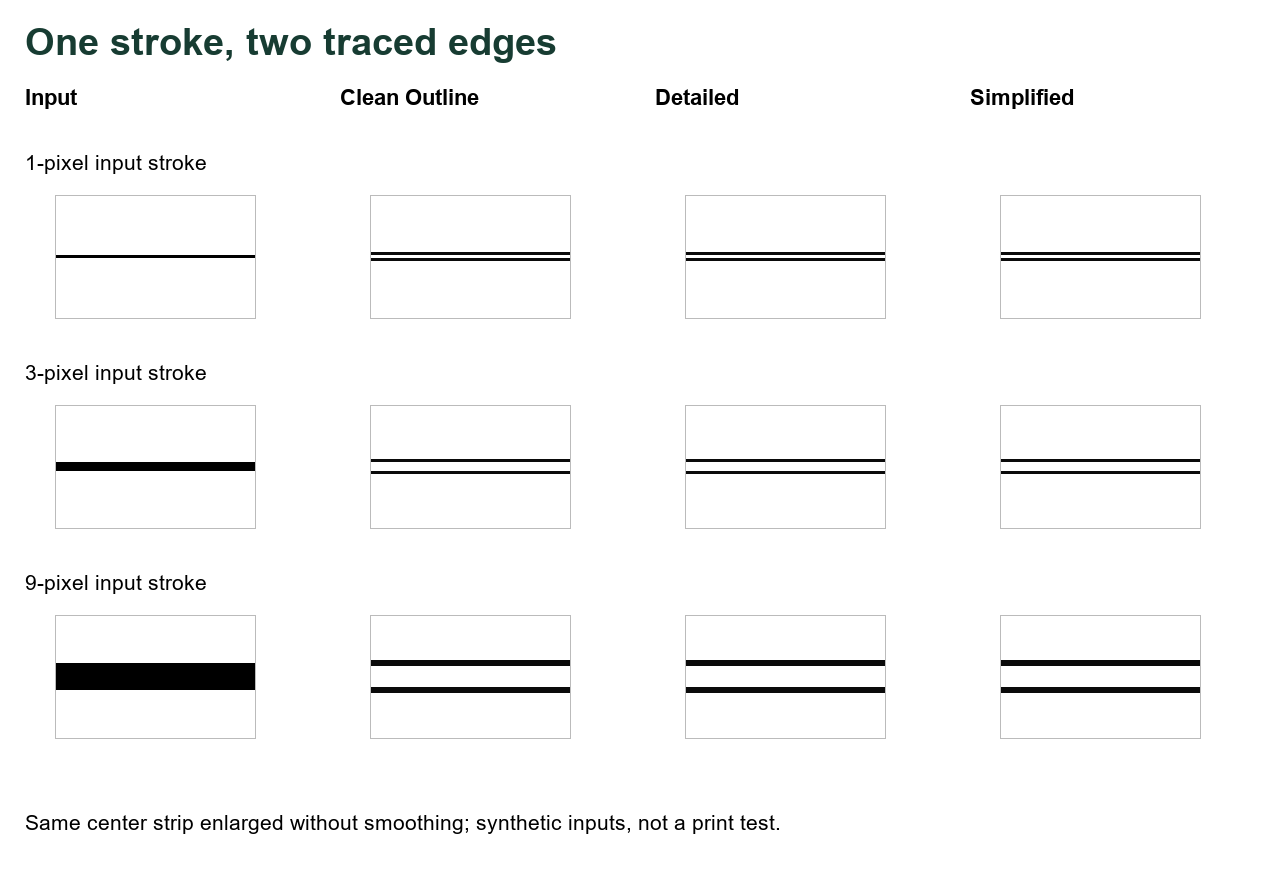
What we held fixed
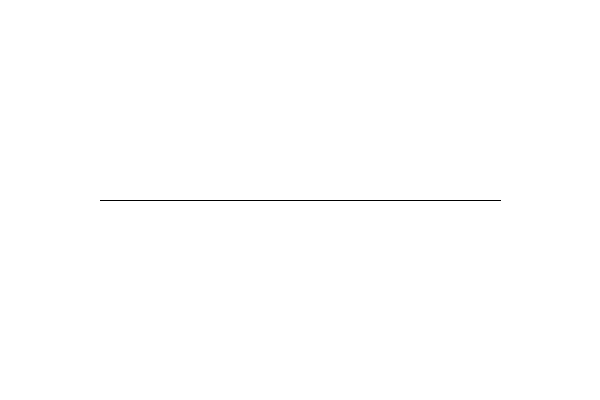
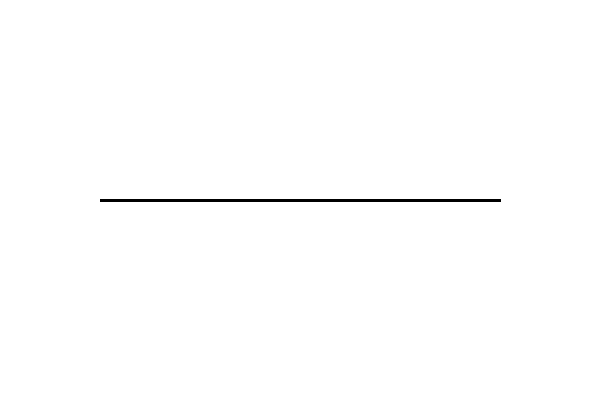
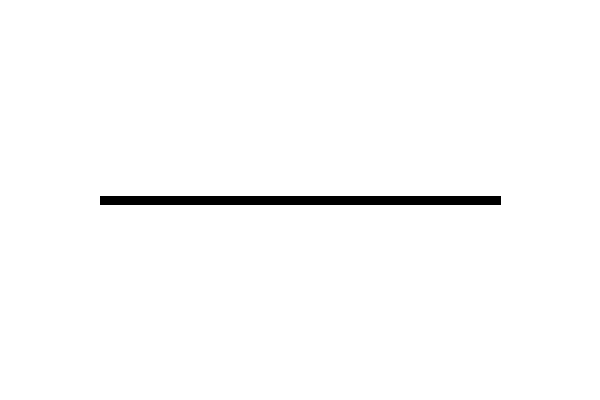
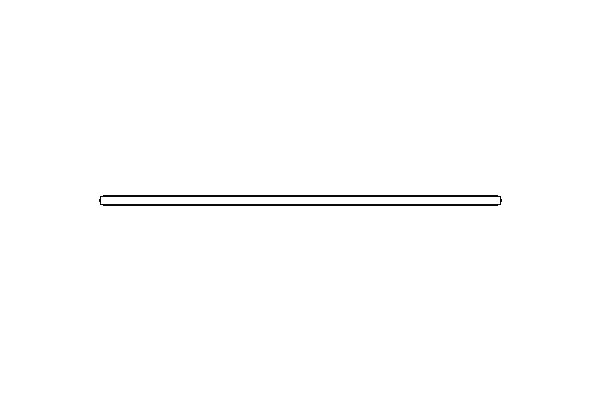
On October 14, 2026, we drew three opaque 600 × 400-pixel PNGs with Pillow. The background is RGB (255, 255, 255); the horizontal stroke is RGB (0, 0, 0), from (100, 200) to (500, 200). Only its specified width changes: 1, 3 or 9 pixels. There is no blur, compression, texture or color boundary in the input. The files themselves are linked below so you can inspect the drawing rather than guess from a resized preview.
We checked that the public app.js matched the local file byte for byte. We extracted its unchanged makeLineArt function, supporting blur function and presets, then ran every input with Clean Outline, Detailed and Simplified. That makes 3 widths × 3 presets = 9 outputs. This is an isolated tracing-function experiment: it does not run browser upload resizing, page placement, PNG/PDF export or a physical printer.
The paired contours we measured
| Input width | Preset | Dark pixels in strip | Dark rows at x = 300 |
|---|---|---|---|
| 1 px | clean | 762 | 199, 201 |
| 1 px | detailed | 762 | 199, 201 |
| 1 px | simple | 762 | 199, 201 |
| 3 px | clean | 762 | 198, 202 |
| 3 px | detailed | 762 | 198, 202 |
| 3 px | simple | 762 | 198, 202 |
| 9 px | clean | 1524 | 195, 196, 204, 205 |
| 9 px | detailed | 1524 | 195, 196, 204, 205 |
| 9 px | simple | 1524 | 195, 196, 204, 205 |
Our common measurement strip is x = 110–490 and y = 180–220, inclusive: 381 × 41 = 15,621 pixels. We excluded the stroke endpoints. A dark pixel has output gray strictly below 128. The table's count is the number of pixels meeting that rule; the listed rows use the same rule at center column x = 300. Coordinates start at zero, and y increases down the image.
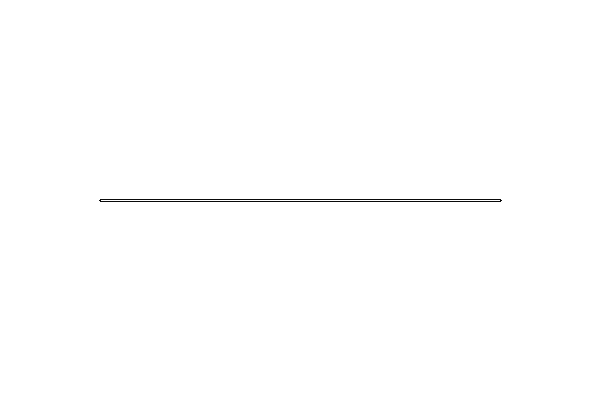
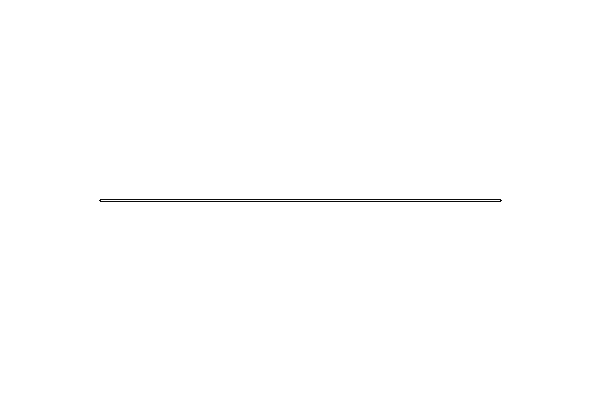
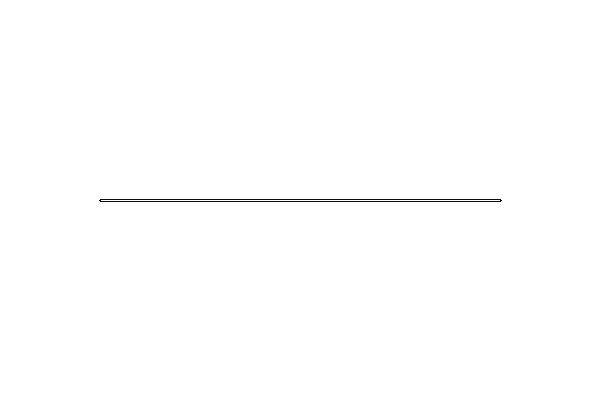
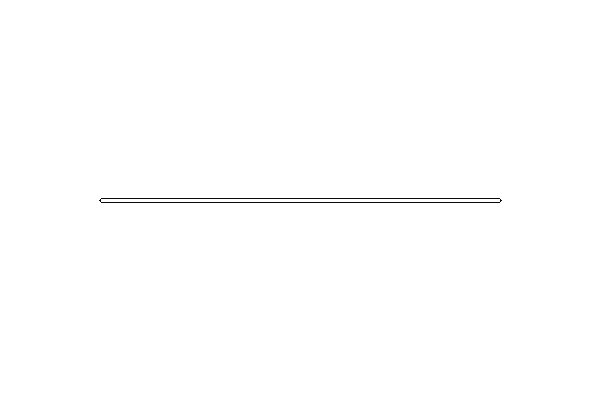
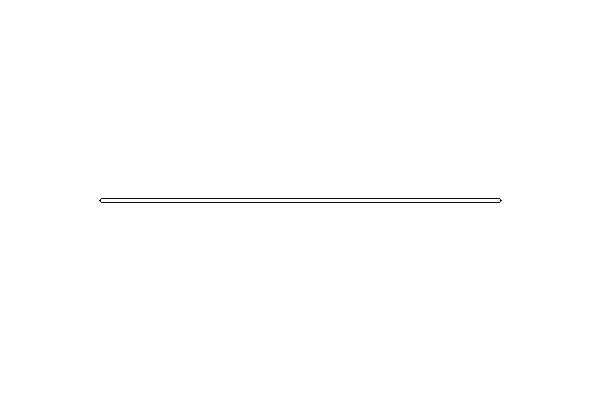
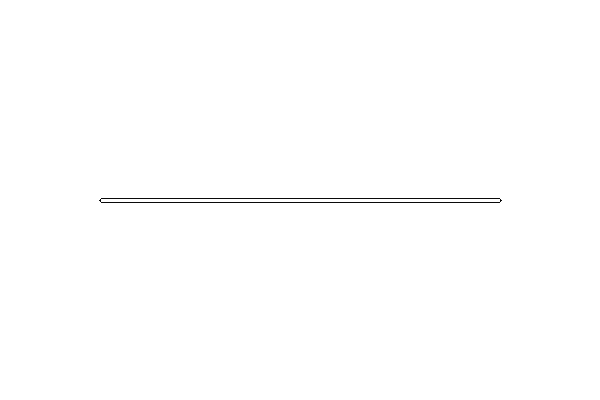
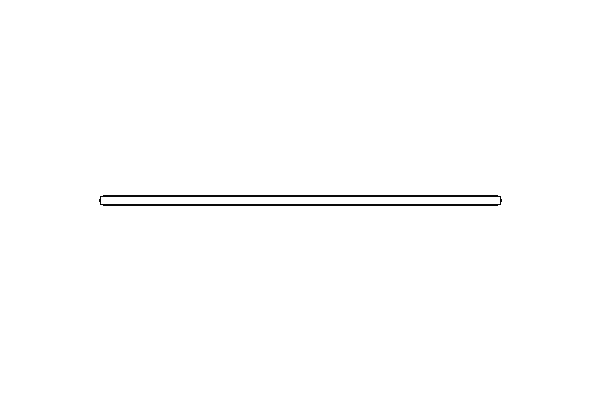
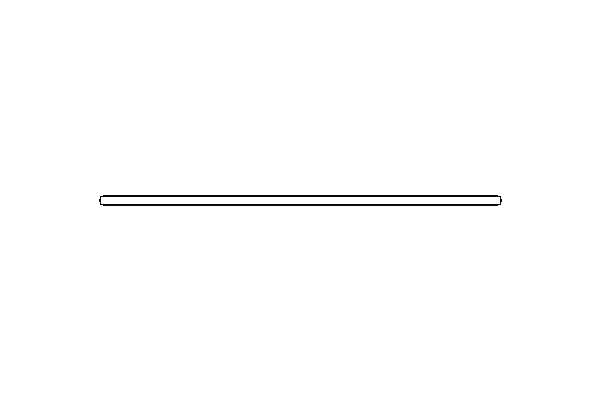
The one-pixel input produced dark rows 199 and 201. The three-pixel input produced rows 198 and 202. The nine-pixel input produced two groups: 195–196 and 204–205, with white space between them. Every preset had the same result for each width in this controlled fixture. All 381 measured columns contained dark ink. The dark-pixel count was 762 for the first two widths and 1,524 for the nine-pixel width. Those totals are 381 × 2 and 381 × 4, respectively; they agree with the center-row patterns.
For context, the input strip had 381, 1,143 and 3,429 black pixels: 381 columns × the specified widths 1, 3 and 9. A second output count below gray 250 matched the count below 128 in all nine outputs. We retained both counts in our record; neither count measures artistic quality, contour correctness, ease of coloring or performance on photographs.
What the test does and does not show
The source code computes local changes, thins their response and converts that response into ink. This is consistent with outlining the two sides of a dark band instead of preserving its filled middle. The pixel files demonstrate that behavior for these three strokes. They do not prove that every curved line, hand drawing, face or photographic detail will split the same way.
Changing styles did not remove the paired contours here. We therefore cannot present “choose Simplified” as a proven repair for this input. Wider input ink also did not produce a simple proportional increase in output ink: the one- and three-pixel inputs had equal counts. The layout figure magnifies pixels so you can see this separation; it does not show a real-size printed result.
Download the exact inputs and outputs
- 1-pixel stroke: original input; Clean Outline, Detailed, Simplified
- 3-pixel stroke: original input; Clean Outline, Detailed, Simplified
- 9-pixel stroke: original input; Clean Outline, Detailed, Simplified
Before retracing a drawing
- Keep the original drawing and compare the same area with the converted output.
- Inspect whether the trace has introduced a narrow white channel inside a stroke. This is an inspection suggestion, not a promised outcome for every file.
- If the original already has clear black outlines and usable white coloring spaces, consider printing that original directly. Our fruit worksheets already provide uncolored PNG and PDF downloads.
- For a photo, compare the important subject contours rather than expecting the tool to preserve the original ink thickness. Preview the page at its intended paper size.
Missing pale edges are a different issue: see our faint-edge experiment. Compression is tested separately in the PNG/JPEG comparison. Do not combine these independent fixture counts into a quality ranking.
Watch the test
Watch the narrated double-outline test, with English captions and a downloadable MP4.
Sources and scope
Evidence for this article is our original fixture files, nine downloadable outputs and the current public site code. Benchmark pages reviewed in order: Mimi Panda, iColoring and Canva. Their inspected pages describe photo conversion, style selection or preview workflows. We did not find this matched stroke-width and row-coordinate experiment in the inspected text. This says nothing about their complete sites or private algorithms.